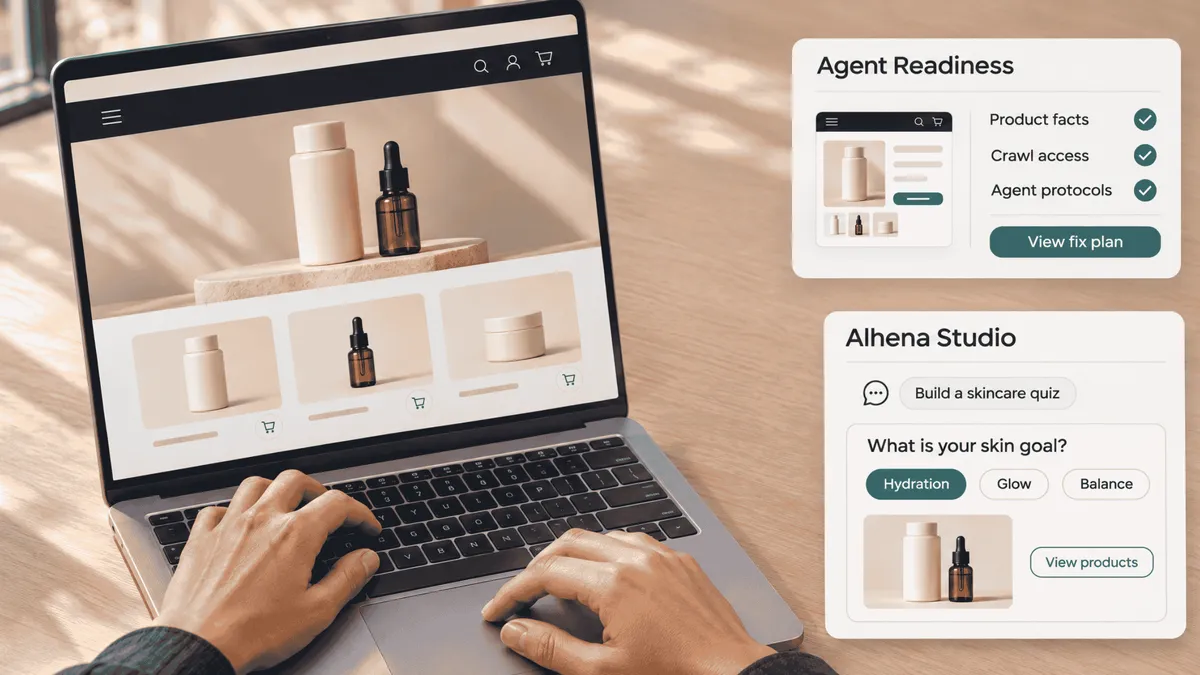
We’ve got two big product launches to talk about this month, plus a solid list of smaller improvements we’ve rolled out across the platform.
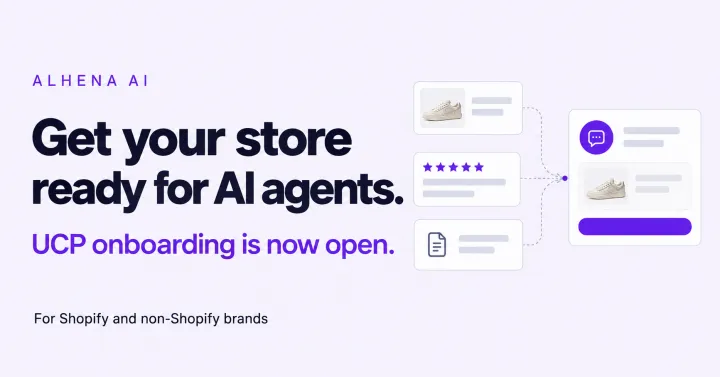
First up is Agent Readiness. If you’re already using our tools to see how often your brand pops up in AI search answers, the immediate next question usually is: "Okay, so what do I actually change on my site to fix it?" That’s why we built Agent Readiness. It checks whether AI shopping bots can actually crawl your store and understand your products, then gives you a straightforward list of what to fix first.
The second is Alhena's Vibe Studio, the builder our team uses to create custom product quizzes. You describe the quiz you want, Studio builds it, and you keep refining it in plain conversation until it feels like your brand.
We'll go through both in detail below. After that, we'll cover the other updates that landed across search, analytics, testing and integrations.
Agent Readiness: Can AI shopping bots actually read your site?
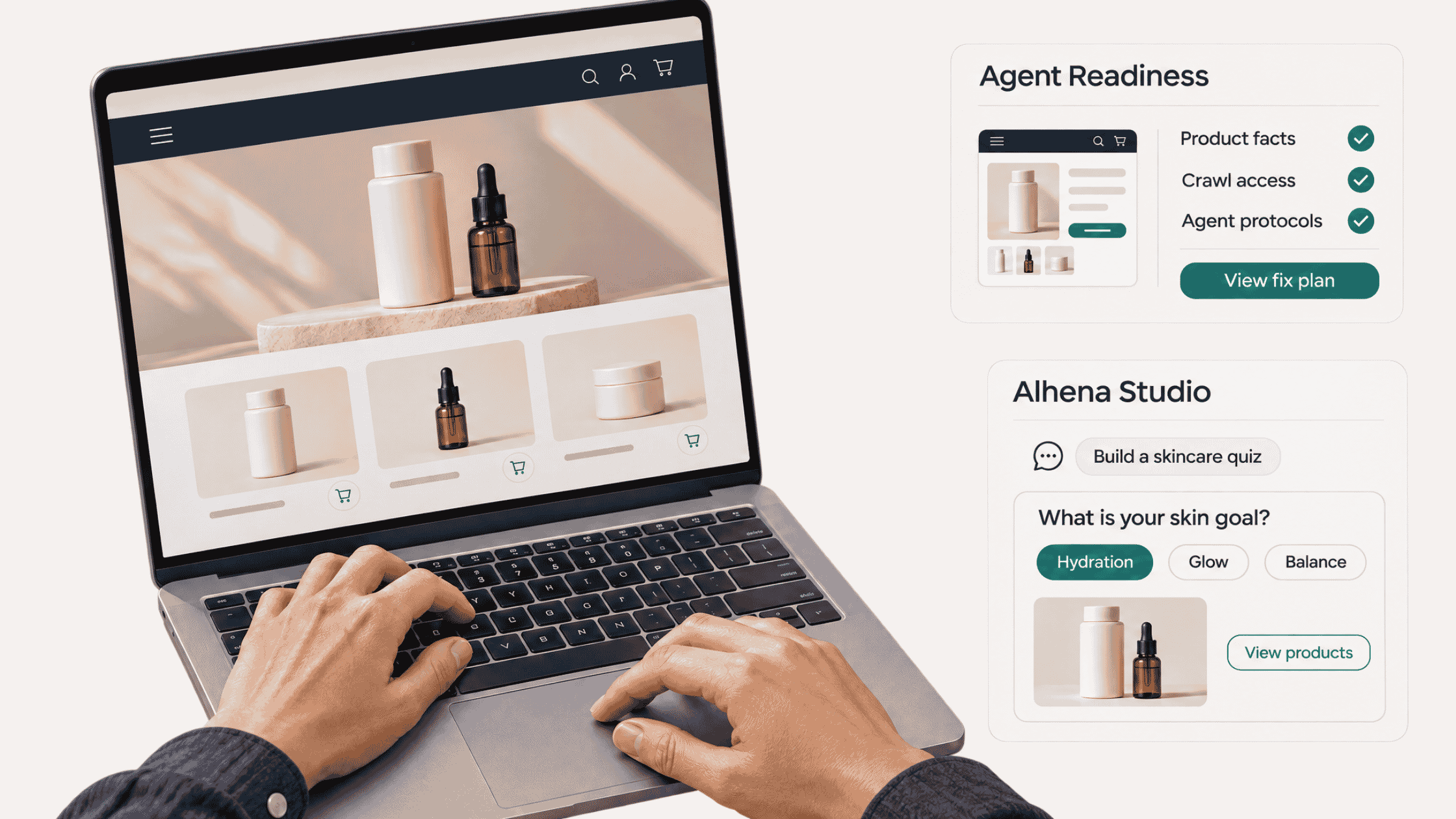
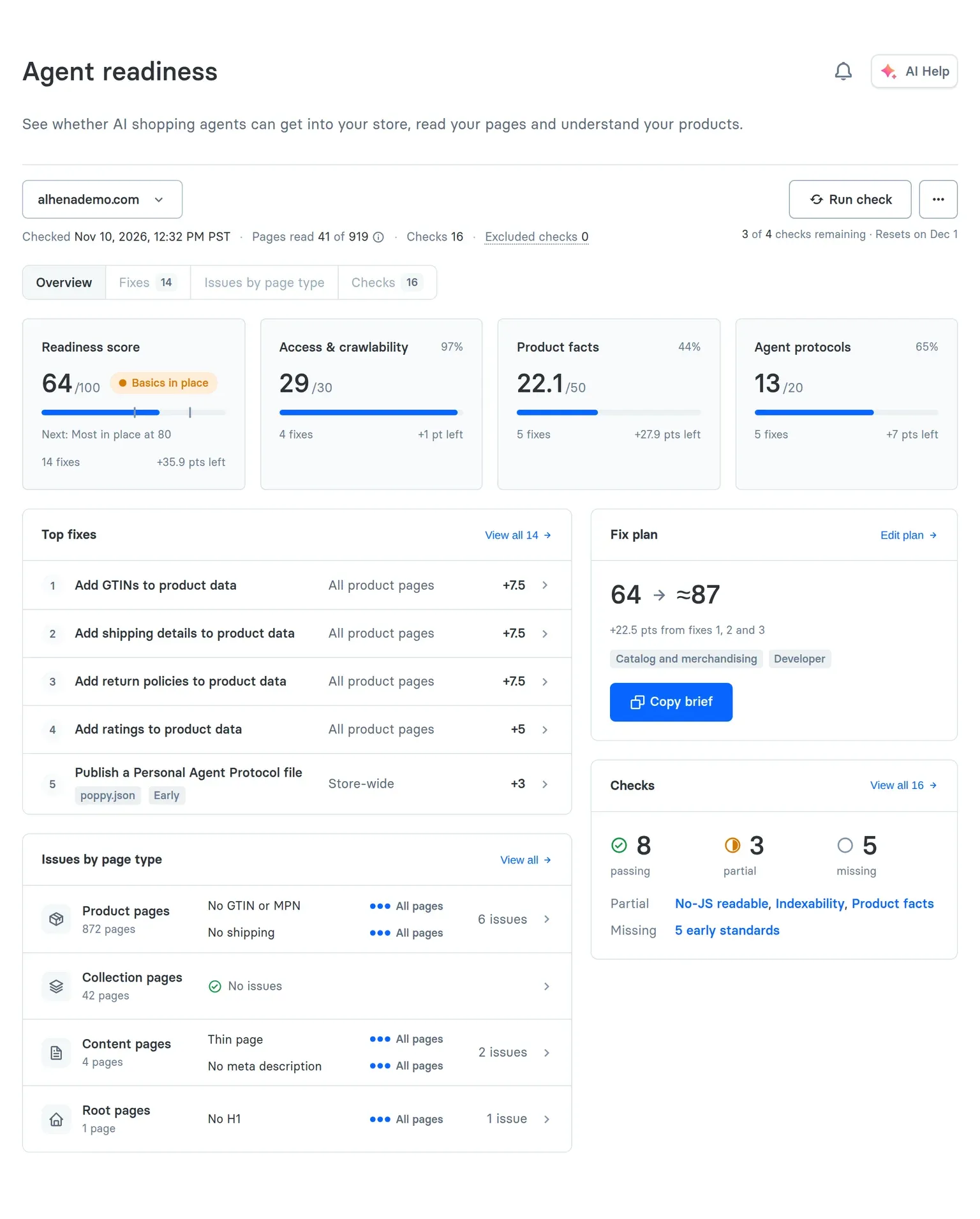
Agent Readiness gives your store a score out of 100 based on how easily AI shopping agents can read your content and parse your catalog. Along with your score, it gives you a prioritized fix plan and a downloadable report you can hand to your dev team. It went live on November 10 right inside AI Visibility.
When we say AI shopping agents, we mean the AI assistants people rely on to research products, compare details, and make buying decisions. Here's the thing: bots don't browse websites the way humans do, which is where things break without anyone realizing.
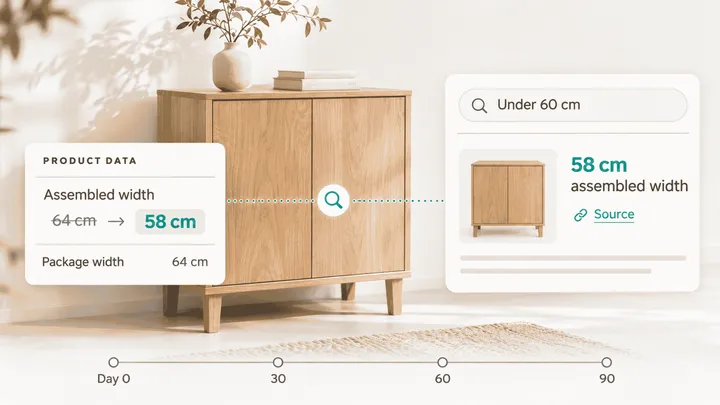
A product page can look completely fine to a shopper but show up totally blank to a crawler. Maybe your pricing or descriptions require JavaScript to render. Maybe your robots.txt file is blocking AI bots by accident. Or maybe your return policy is visible on page text but missing from your structured schema data, which is what bots rely on most.
How the audit works
Go AI Visibility, open Agent Readiness, paste in your store URL, and hit Check my store. Alhena inspects your sitemap, samples key page types, and checks the files agents inspect when deciding what your site can do.
We inspect pages without executing JavaScript so you can see exactly what lightweight bots extract. It’s a fast, sample-based health check rather than a massive multi-hour crawl, designed to catch big issues right away.
How the score is calculated
The score runs across 16 checks split into three categories:
1. Product Facts (50 points): The baseline details an AI needs to understand and recommend a product; name, image, price, stock, brand, description, shipping, returns, identifiers (UPC/GTIN), and reviews.
2. Access & Crawlability (30 points): Whether AI crawlers are allowed in, whether content is readable without JavaScript, sitemap health, and overall page size.
3. Agent Protocols (20 points): Files and standards that signal capabilities to agents, like sign-in options, checkout support, llms.txt files, and Markdown pages.
Product facts carry half the total score because that’s what AI models lean on when choosing what to recommend. Luckily, it’s also the easiest part for your team to update.
Turning scores into action
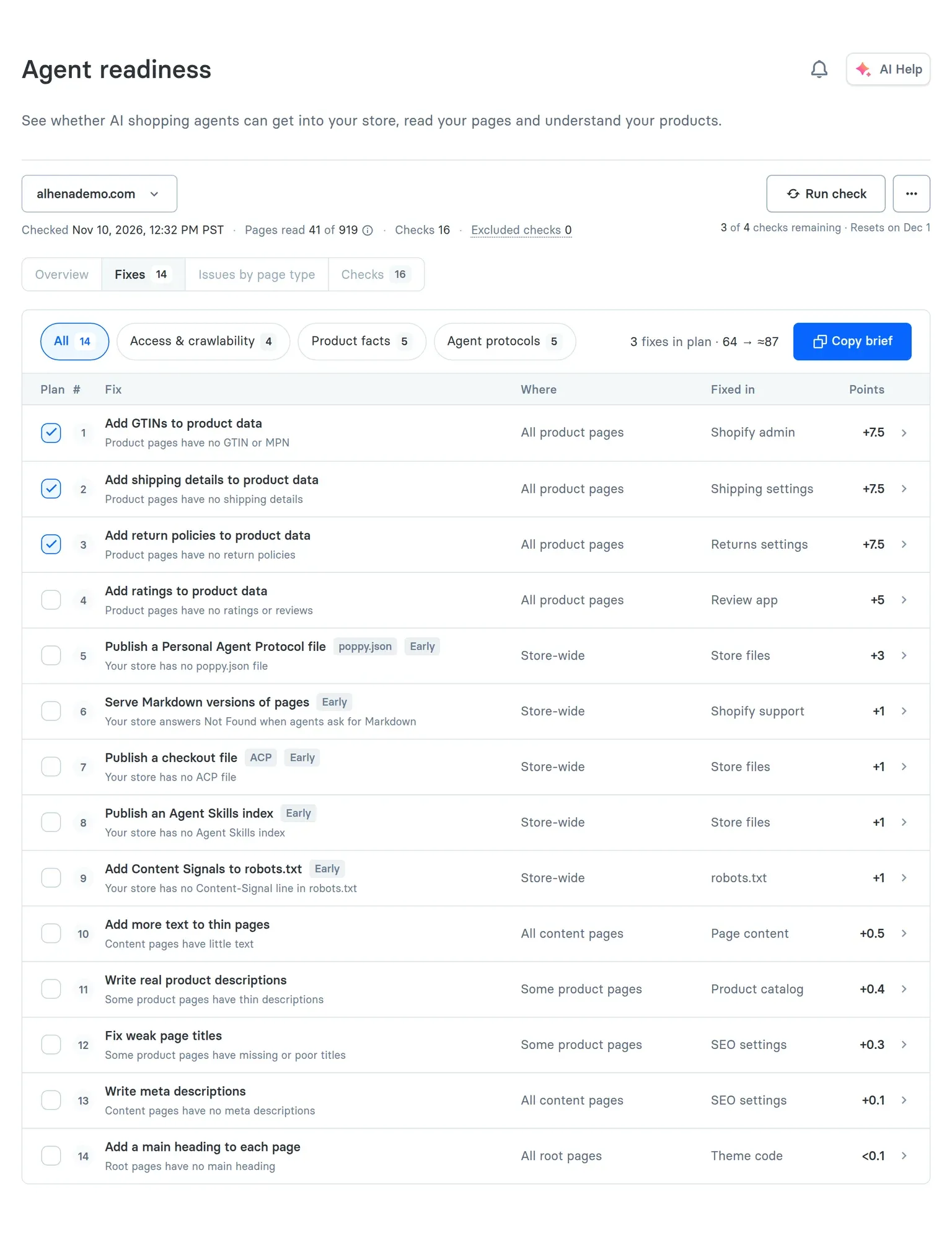
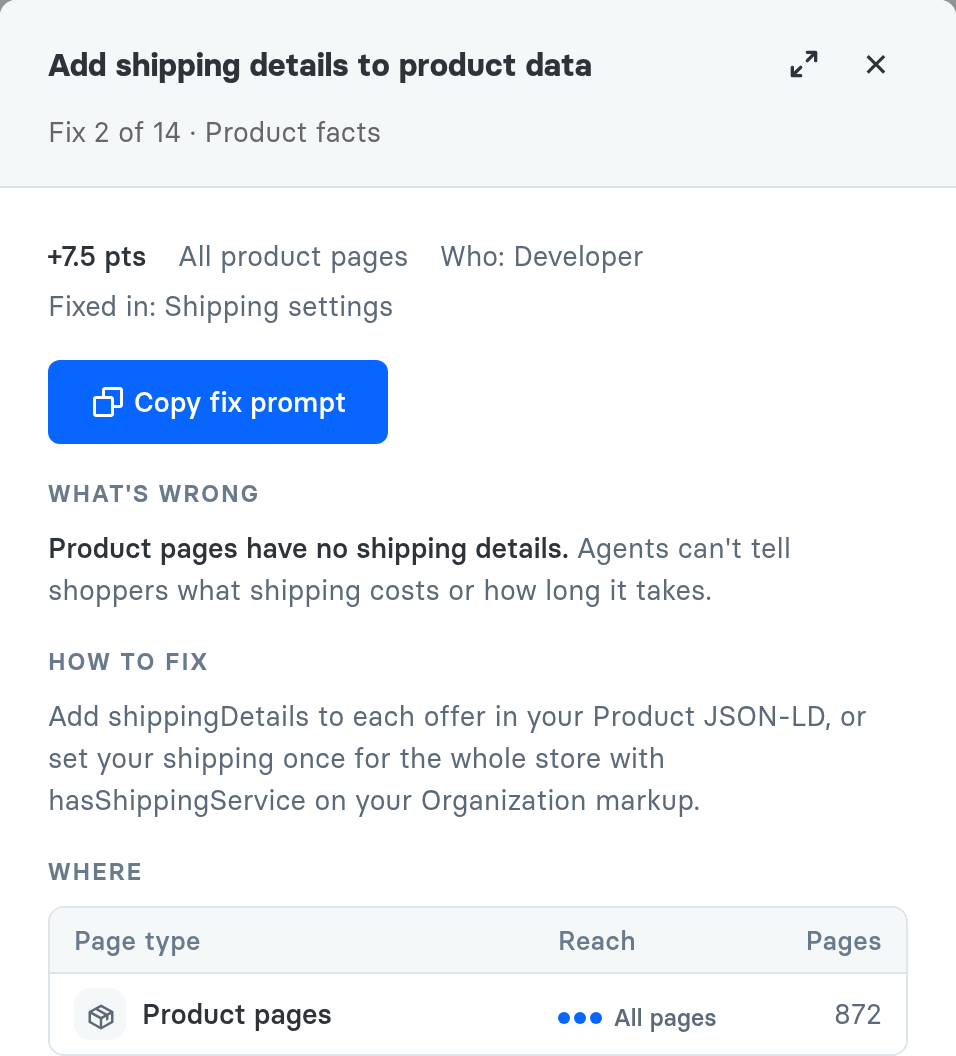
A raw score isn't super helpful on its own. Every check comes with a plain explanation of what’s wrong, how to fix it, and which specific product pages are affected. We rank fixes by point impact so you know what to work on first.
You can copy developer briefs or ready-to-use AI prompts for each issue, making it easy to hand off tasks to developers or agencies without writing instructions from scratch.
Your fix plan automatically highlights your top three priority items and shows your projected score improvement. Make your updates, rerun the check, and watch your readiness score jump.
A quick real-world example
If you run an online furniture store, your return policy might be clearly written in your site footer but completely missing from your product schema. Agent Readiness spots that gap show your dev team how to add the structured data and track it in your plan.
Who should use this?
Ecommerce leads get clear oversight on site health. SEO teams catch indexing and render issues. Catalog managers spot missing product attributes. And developers get clear, actionable spec sheets to implement.
A couple of quick notes
Every account gets 4 manual checks per month (scheduled checks and failed runs don't count against your limit). If the tab isn't showing in your dashboard yet, reach out to us and we'll flip the switch for you.
To be clear: a top score doesn't guarantee instant rankings or sales spikes, no tool can promise that. What it does give you is a clean, reliable roadmap to make sure AI models actually digest your store content properly.
Vibe Studio: Build custom shopping quizzes by chatting
Vibe Studio is our AI page designer for your store. Describe the page you want in plain words, and an AI designer builds it on your real catalog, live, right next to the chat. When you like what you see, one click puts it on your store.
Shopping quizzes are a great place to start. They work really well for shoppers who know what problem they have but not the exact product name. Someone looking for a chef's knife or a new skincare routine can explain how they'll use it but probably doesn't know your SKU names. Building a good quiz used to mean a lot of back-and-forth between design and dev. Vibe Studio takes most of that off your plate.
How it works
Start a project and give it a name. It's saved in History, where your whole team can find it, pick it back up or rename it.
Then just say what you want. Type a brief and drop in a wireframe, a screenshot of a page you love, your brand guide or a product list. Before it builds anything, the designer plays its plan back to you, so you both agree on the flow first.
Once it gets going, you can watch it work. A status line tells you what the designer is doing right now, and every step it takes folds into an activity log you can open any time. Thought of something mid-build? Steer adds your note to the build that's already running. Queue lines up your next request, and the designer starts on it the moment the current build is done.
The page shows up live on the right, built from your own products and prices. That means quiz answers lead to real product recommendations, complete with product details and Add to Cart. Switch to the phone view to see exactly what shoppers see on mobile, or expand it to full width and click through it like a shopper would.
Feedback is as easy as pointing
Turn on Annotate, draw a box around anything on the page and say what should change. Each note carries a screenshot and the exact element, so the designer knows precisely what you mean.
For the technical folks, the code view shows every file in every version. Select any lines to ask a question or request a change. Those line comments sit in the same tray as your page notes, and one click sends them all.
Versions, comparisons and teamwork
Every build is kept. The version picker lists each one, along with who asked for it and what they asked, so you can look back at any of them. Compare shows what changed between two versions, in one unified view or side by side, with every edit highlighted. You can even compare against what's currently live.
Vibe Studio is built for teams, too. You can see who's in a project and who's typing. Everyone's requests share one queue, and Follow latest lets you choose whether a teammate's new version shows up for you the moment it lands. Only the person who asked for a build can stop it, so nobody cancels someone else's work by accident.
Going live
When it's ready, hit Deploy. We handle the hosting, and one small embed snippet puts the page on your store. Every deploy is kept, so rolling back takes one click. Live in the wild
Vibe Studio pages are already part of customer projects. One brand built a knife-selection quiz that matches shoppers with the right knife based on their preferences, complete with specs and review summaries. With a bit of custom setup, quizzes can also pass results or captured emails to platforms like Klaviyo.
Getting access
We're currently onboarding merchants to Vibe Studio with help from our team. If you'd like us to set up a quiz for your store, reach out to your account manager and we'll jump on it.
Other updates shipped this month
Alongside the main product launches, we’ve shipped several key platform updates across the board.
Full-page AI Search
Shoppers can now type natural queries like "a navy suit for a summer outdoor wedding under $600" and land on a grid pre-filtered for navy suits under $600. Check out our AI Search docs to learn more.
Shoppers can see exactly which parameters were picked up and easily remove or adjust filters without losing context. It works seamlessly on mobile and doesn't require complex reinstallations if you already use conversational search.
If you want AI Search enabled on your catalog, let us know and we’ll get it configured for you.
Product-focused AI Visibility (Beta)
You can now monitor AI visibility at the individual product level. Pick up to five priority SKUs, and Alhena will suggest non-branded search prompts to track performance against competitors in AI model responses.
You can easily add new prompt suggestions down the line to see how your catalog performs when buyers search by feature rather than brand name.
The Product Overview panel highlights average recommendation rank, competitive visibility, and high-demand search opportunities where visibility is lagging.
Expanded A/B Experiments
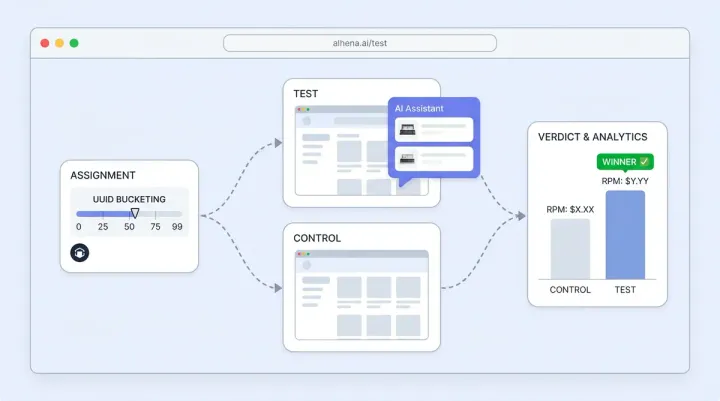
Instead of just testing Alhena ON vs OFF, you can now run granular A/B tests across four formats: full widget visibility, embeddables only, subtle nudges, or custom launcher icons.
Head to Analytics and then Experiments to set audience splits and parameters. You can verify variant rendering at any time using simple URL parameters (?alhena_variant=test).
Experiment analytics automatically track revenue, AOV, conversion rate, and cart events so you can measure impact clearly.
Two-level Trending Topics
Analytics now breaks user inquiries into high-level categories and granular sub-topics (e.g., Orders & Shipping → Address Changes).
Click on any sub-topic to check ticket volume, human escalation rates, and real transcripts to fix recurring customer pain points quickly.
For example, if 200 out of 650 tracking chats require human handoff, reviewing those transcripts quickly uncovers confusing tracking links you can fix right away. Check out the trending topics documentation to learn more.
Smaller quality-of-life updates
Here is a quick round-up of smaller updates we shipped across the stack:
Dashboard & AI Help
Our dashboard AI assistant can now answer questions regarding CSAT, resolution metrics, and revenue attribution directly. Guidelines also gained full version history support so you can restore old configurations seamlessly.
We’ve added extra analytics filtering by rating, human transfer status, and MCP assistant channels.
Shopping Experience
Voice dictation is live in chat. Shoppers get dynamic search prompts, customizable re-engagement nudges, and embedded review summaries inside chat widgets.
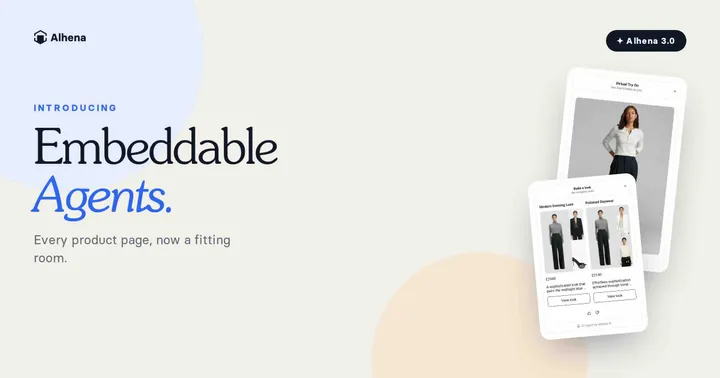
Launcher icons now support distinct mobile dimensions, custom placement rules, and compact embeddable layouts for outfit building.
Channels, Voice & Support Ops
Interactive cards and photo inputs are live on WhatsApp and Instagram. Voice AI supports call recording, menu navigation, DTMF keypresses, and one-way SMS. Check out the Voice improvements.
Support Operations
You can block spam users by IP/email and filter conversations by creation time. Zendesk Web Chat integration now supports CSAT collection.
Integrations & Developers
Import product catalogs via SFTP Google Shopping feeds, connect review apps (REVIEWS.io, Stamped, Klaviyo Reviews), and automate return portal lookups via Swap Returns.
Shopify merchants get order attribution tagging and optional refund automation features. Developers can tap into new SDK hooks for product carousels and quiz behaviors.
In case you missed it
Last month we announced Live Try-On and Email Triage. Check out the launch details on our blog.
We also published our Orbit Baby case study showing a 15% increase in AOV among shoppers engaging with Alhena.
Wrapping up
Most of these updates are live in your dashboard right now. If you want to try Agent Readiness or set up a quiz with Studio, drop us a line. We'd love to hear your feedback!
Questions this Guide answers
Q: What is Agent Readiness and how does it help AI bots read your store?A: Agent Readiness gives your store a score out of 100 based on 16 checks across product facts, access/crawlability, and agent protocols to ensure AI shopping bots can parse your content.
Q: How can merchants build custom shopping quizzes with Alhena Studio?A: Alhena Studio lets you create interactive shopping quizzes by providing plain English prompts, brand assets, and product catalog details in a chat interface with live preview.
Q: How does Full-page AI Search improve the customer search experience?A: It allows shoppers to type natural queries and lands them on a pre-filtered product grid where recognized filter parameters can be adjusted without losing context.
Q: What is Product-focused AI Visibility?A: It allows tracking AI visibility for up to five priority SKUs using suggested non-branded search prompts to evaluate product rank and performance against competitors.
Q: What options are available in Expanded A/B Experiments?A: Merchants can test granular UI formats (full widget, embeddables, nudges, custom launchers) and track revenue, AOV, conversion rate, and cart events automatically.
Q: How do Two-level Trending Topics organize analytics inquiries?A: Inquiries are categorized into high-level groups and granular sub-topics, allowing teams to view volume, human handoff rates, and transcripts to resolve issues.
Q: What quality-of-life and channel updates were shipped this month?A: Updates include AI dashboard assistant metrics answers, voice dictation, Instagram/WhatsApp interactive cards, Voice AI routing/recording, spam user blocking, and new integrations like SFTP feeds and Swap Returns.