When AI starts resolving 60% or more of your inbound customer support requests, the first instinct is to celebrate. Volume drops, costs flatten, and CSAT holds steady. But there's a second-order effect most teams don't plan for: the work that reaches your human agents gets harder, not easier.
The easy questions are gone. What's left is ambiguous, emotional, and loaded with complex, layered issues. If your organization's team structure doesn't change to match, you'll see handle times climb, agent burnout spike, and that initial AI ROI and customer experience quietly erode. This post breaks down what actually changes for your customer support staff after AI takes the front line and how to redesign your customer service operations around it.
The Tier 2 Support Queue Is Harder Than Tier 1 Ever Was
Before AI, your tier 1 support staff handled everything: password resets, order status requests, sizing questions, and the occasional angry customer with billing issues or account disputes. AI absorbs the repetitive stuff. That's the whole point. But the tickets that pass through to humans are now disproportionately complex.
Average handle time per human-touched ticket goes up, even though total ticket volume drops. Leaders who still measure agents on speed-per-ticket will think something is broken. It's not. The mix changed.
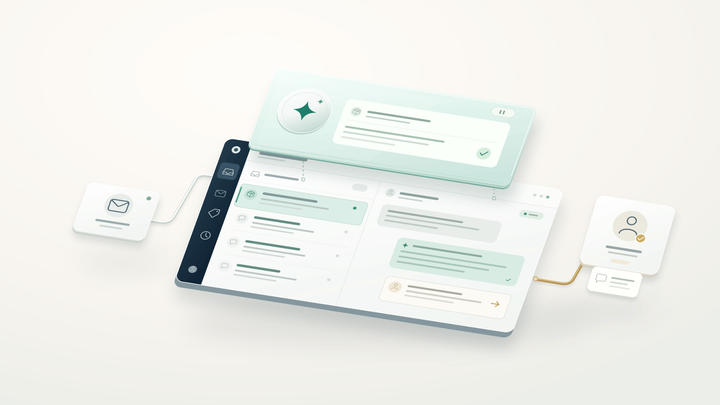
This is why context-rich escalation matters so much. When AI passes a conversation to a human agent with the full transcript, intent classification, and sentiment signal already attached, the support agent doesn't restart troubleshooting from scratch. They pick up mid-conversation with the complex part already framed. Alhena's Support Concierge does exactly this: every escalation carries structured context into the agent's helpdesk, whether that's Zendesk, Gorgias, or Intercom.
Your Customer Service Hiring Profile Needs to Shift
Tier 1 hiring traditionally favored throughput: how many routine tasks can this employee close per hour while following the manual script? That profile doesn't match the post-AI queue.
The humans who thrive in a Tier 2 world are different. They need deep product knowledge, comfort with complex decisions, strong written communication, and the ability to make policy calls and manage edge cases without a supervisor approving every one. Organizations should redefine roles, shift responsibilities, and hire fewer entry-level scripted employees and more mid-level employees who can investigate, decide, and write clearly.
This doesn't mean smaller teams automatically. It means differently shaped teams rather than just smaller ones. E-commerce businesses like Puffy have used Alhena to automate 63% automated resolution while maintaining 90% CSAT. With 63% deflection, the humans still there are doing higher-value work, not less work.
Coaching Has to Change Too
The classic QA model samples five tickets per agent per week and checks script adherence. That breaks down when your support agents handle fewer, harder issues with no script to follow.
Coaching in a post-AI customer support team should focus on judgment quality: did the agent make the right call given the context? Did they use the information and context the AI handed off, or did they re-ask questions the customer already answered? Teams that get this right build a continuous feedback loop between AI and human performance.
Alhena's Agent Assist gives supervisors a new coaching surface. They can see what the AI suggested versus what the human did, which turns every escalated conversation into a training data point. That visibility didn't exist before AI entered the workflow.
Three Customer Support Failure Modes to Watch For
Customer support teams that bolt AI onto an unchanged manual workflow tend to hit the same walls:
- Double work. Agents re-ask questions the AI already answered because the handoff context isn't visible in their UI. Customers notice immediately, and CSAT drops. A well-structured AI-generated ticket with collapsed conversation summary fixes this.
- Threshold drift. AI confidence thresholds set too conservatively flood humans with easy tickets. Set too aggressively, routing sends angry customers to support staff without warning. Review your routing and escalation reason mix monthly.
- Lost learning loop. Human-resolved issues never feed back into the AI's knowledge base, so the same issues keep escalating. A weekly review of human-resolved customer issues as KB candidates closes this gap. For more on building these operational guardrails, we've written a dedicated breakdown.
A 30/60/90 Day Support Tier Redesign Checklist
Days 1 to 30: Instrument and baseline.
- Tag every escalation request with a routing reason (low confidence, sentiment trigger, customer request, policy boundary)
- Baseline average handle time on human-touched escalations only
- Audit whether troubleshooting context and handoff data is actually visible in your agents' UI
Days 31 to 60: Retrain and restructure.
- Update agent scorecards to remove manual throughput metrics
- Re-stratify QA sampling across escalations by reason, not random pull
- Train supervisors on coaching with AI-assist data
Days 61 to 90: Optimize the loop.
- Revise hiring profiles and role definitions for the Tier 2 skill set
- Build a structured program for feeding human resolutions back into the KB
- Set a quarterly review cadence for managing AI confidence thresholds
Brands like Crocus reached 86% deflection with 84% CSAT by getting both the AI and the human side right. The AI technology deployed fast. The team redesign, as across the ecommerce industry, took deliberate planning.
The Platform Should Support the Transition
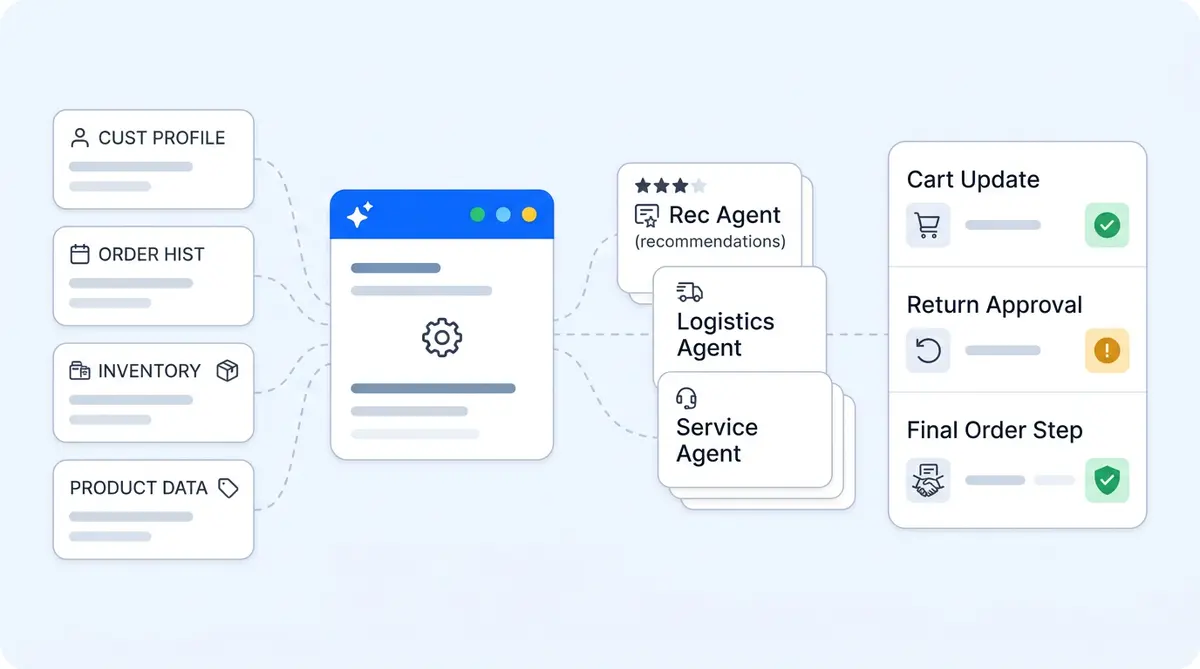
Alhena is built for this split-responsibility customer service model. The Product Expert Agent and Order Management Agent handle the front line. When something needs a human, the conversation lands in your existing help desk with full context, sentiment flags, suggested answers, and next steps via Agent Assist.
That's not a chatbot bolted onto a ticket system. It's an AI-first support architecture designed so humans and AI each do what they're best at, without duplicating effort or dropping customer context between them.
Ready to see how Alhena fits your team's workflow? Book a demo or start free with 25 conversations.

Frequently Asked Questions
What changes for human agents when AI handles Tier 1 support?
The ticket mix shifts dramatically. Routine questions disappear, and agents handle mostly complex, multi-issue, or emotionally charged conversations. Average handle time per ticket typically increases even as total volume drops, because the remaining work requires more judgment and investigation.
How should I adjust hiring after deploying AI for front-line support?
Shift from entry-level, script-following reps toward mid-level specialists with product knowledge, written communication skills, and the confidence to make policy decisions. The volume of hires may decrease, but the skill bar for each hire goes up.
How does Alhena AI handle escalation to human agents?
Alhena passes the full conversation transcript, intent classification, sentiment signal, and customer verification status to the human agent inside their existing helpdesk (Zendesk, Gorgias, Intercom, and others). The agent picks up mid-conversation with full context instead of starting over.
What is the biggest mistake teams make after adding AI to support?
Not redesigning the human workflow. Teams that keep the same QA metrics, hiring profiles, and queue structure see diminishing returns from AI. The most common failure is double work, where agents re-ask questions the AI already resolved because handoff context isn't surfaced properly.
How long does it take to restructure a support team around AI?
Plan for a 90-day phased rollout. The first 30 days focus on instrumenting escalation reasons and baselining metrics. Days 31 to 60 cover scorecard updates and QA retraining. Days 61 to 90 address hiring profile changes and building a feedback loop from human resolutions back into the AI knowledge base.
Can Alhena AI help with agent coaching and quality assurance?
Alhena's Agent Assist surfaces real-time suggestions and CRM context inside the agent's workflow. Supervisors can compare what the AI recommended versus what the human agent did, creating a new coaching signal. The platform doesn't replace human-led coaching, but it provides better data to coach from.