Seventy-five percent of customer service reps reported their highest-ever ticket volumes in 2024, according to HubSpot's State of Customer Service report. For e-commerce businesses, that spike isn't slowing down. More channels, more orders, more "where's my package?" messages flooding every inbox.
The obvious answer is automation. But the fear is just as obvious: will customers notice? Will the customer experience suffer? Will CSAT tank? Will the "personal touch" vanish behind a wall of canned responses?
The short answer: not if you do it right. This guide breaks down exactly how to automate customer support in e-commerce, which tickets to target first, what to keep human, and how brands like Tatcha and Puffy are cutting ticket volume while keeping satisfaction scores high.
What Customer Service Automation Actually Means in 2026
Customer service automation uses AI, automated customer service workflows and CRM-connected processes, and self-service tools to resolve issues and customer inquiries without a human agent touching the ticket. But the definition has changed. Five years ago, automation meant canned responses and decision-tree AI chatbot and decision-tree flows. In 2026, AI software and technology have evolved. It means AI agents that read order data, process returns, track shipments, and answer product questions through conversational AI, natural language processing, and conversational workflows.
The benefits are clear, and the efficiency gains are measurable. Old-school automation frustrated customers because it couldn't understand context. Modern AI powered customer support, especially generative AI grounded in your product catalog and order system, quickly handles the same queries a human agent would. It helps your team focus on what matters.
Gartner predicts that by 2029, agentic AI will autonomously resolve 80% of common customer service issues without human intervention, cutting customer service operations costs by 30%. That future is already taking shape. Brands using AI-powered support are seeing deflection rates of 40% to 80%, depending on how well the AI is trained and integrated.
The Real Cost of Not Automating
A human-handled support ticket costs between $6 and $15 on average. An AI-resolved interaction? Between $0.50 and $2.00. For a mid-size e-commerce store fielding 3,000 tickets a month, that gap adds up to tens of thousands of dollars annually.
But cost isn't the only issue. Manual support creates bottlenecks during peak seasons. When Black Friday hits or a viral product drops, ticket queues explode. Average customer response times balloon from minutes to hours, sometimes days. Customers won't tolerate long wait times. They leave reviews, file chargebacks, or simply shop elsewhere.
AI support handles peak seasons without extra hires. It runs 24/7 with multilingual support across languages. Your bot should handle any language your customers speak. It doesn't call in sick during your biggest sales weekend. And the ROI is tangible: companies investing in AI customer service see average returns of $3.50 for every $1 spent, with leading organizations reaching 8x ROI within two years.
Which Support Tickets Should You Automate First?
Knowing which tickets to automate is important. Not every ticket belongs to AI. You need to choose wisely. The sweet spot is high-volume, low-complexity inquiries that follow predictable patterns. Here's where to start:
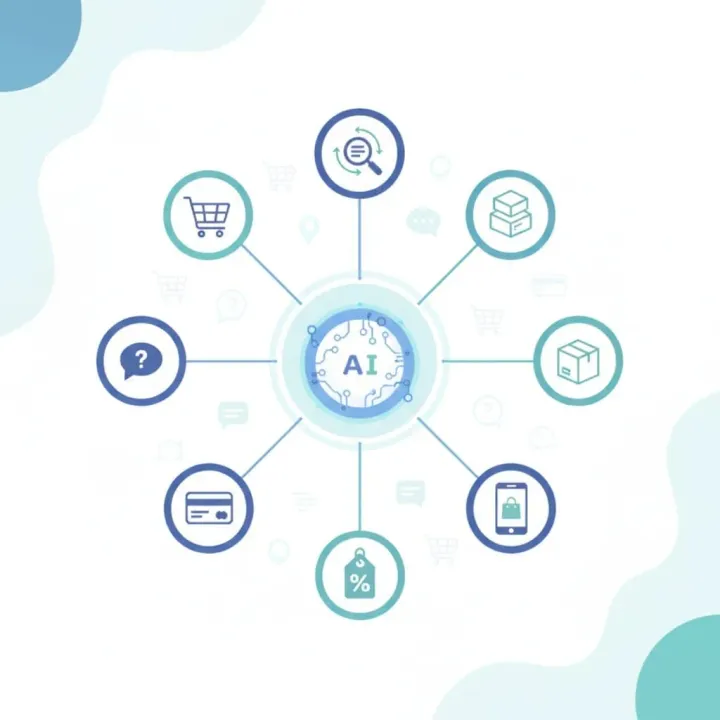
- Order tracking and shipping updates make up the single largest category in most e-commerce support queues. Customers want shipping information, not a conversation. AI pulls tracking data in real time to provide the answer in seconds.
- Return and refund requests follow clear policy rules. An AI agent can check eligibility, generate return labels, and handle refund processes, providing instant resolution without human review for straightforward cases.
- Product questions like sizing, ingredients, compatibility, and care instructions are ideal for AI that's trained on your product catalog. These queries also represent a sales opportunity, not just a support cost.
- Account and password issues are repetitive, time-sensitive, and easy for automation to resolve instantly.
- Policy FAQs covering shipping times, warranty terms, and subscription management are perfect for AI-powered self-service.
The common thread: these tickets have clear inputs and predictable outputs. Start here, measure the impact, then expand. This lets your team focus on complex, high-value conversations.
5 Strategies to Automate Without Losing CX Quality
Automation that frustrates customers is worse than no automation at all. Thirty percent of users say getting trapped in chatbot loops is their biggest support frustration. Here's how to avoid that:
1. Build a Clear Escalation Path to Human Agents
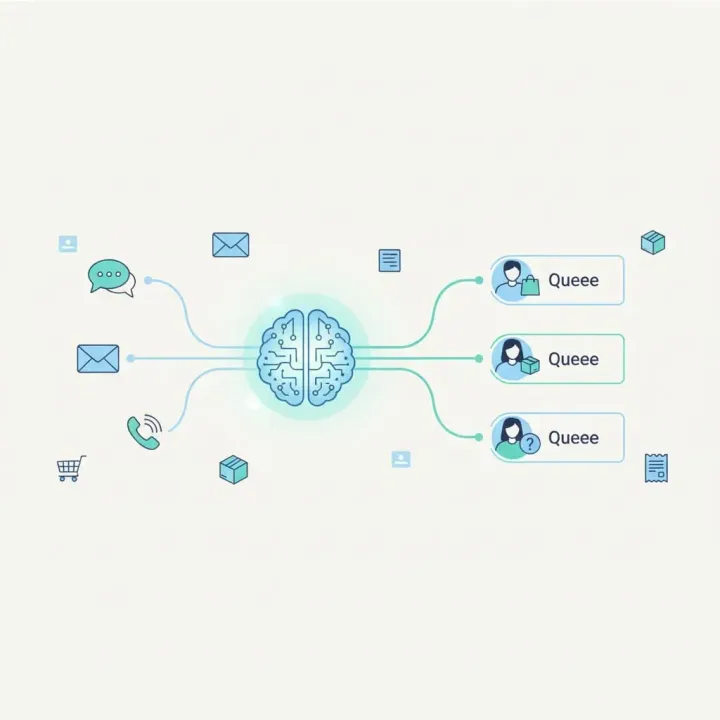
Every automated interaction needs an exit ramp. If the AI can't resolve the issue in two exchanges, it should escalate the conversation to a human with full conversation context. No one wants to repeat their problem three times. The best AI support systems transfer the entire chat history, customer profile, and suggested resolution to the agent. That way, the handoff feels like a continuation, not a restart.
2. Ground Your AI in Real Data (No Hallucinations)
Generic chatbots make things up. They confidently state the wrong return policy, invent product features, or promise discounts that don't exist. That's how you destroy trust fast.
The fix: use AI that pulls answers exclusively from your verified knowledge base and help desk records, product catalog, and order management system. Hallucination-free AI isn't a marketing phrase. It's a technical requirement. Alhena AI, for instance, provides every response grounded in your actual data sources, with built-in auditability so you can trace exactly where each answer came from.
3. Personalize, Don't Generalize
Automation fails when it treats every customer the same. Understanding individual customer needs is essential for AI agents. A first-time visitor asking about sizing needs a different response than a VIP customer with ten previous orders. AI that connects to your CRM platform, help desk, CRM data, and order history can tailor tone, recommendations, and solutions. That's the difference between a basic support bot that feels robotic and a conversational AI that feels helpful.
4. Match Your Brand Voice
Brand communication matters. If your brand is playful and casual, your AI shouldn't sound like a corporate help desk. If you sell luxury skincare, the AI's tone should match that positioning. Configurable brand voice and sentiment analysis capabilities aren't optional. It's what makes automated responses feel like your team wrote them.
5. Measure What Matters (Not Just Deflection Rate)
Deflection rate tells you how many tickets AI handled. It says nothing about customer satisfaction. It doesn't tell you if customers were satisfied with the resolution. Track these together:
- CSAT per channel to compare AI-resolved vs. human-resolved satisfaction
- Resolution rate to confirm the AI actually solved the problem
- Escalation rate to spot where the AI falls short
- Revenue influenced to capture upsells and cross-sells driven by AI interactions
For a deeper look at these metrics, see our guide on measuring AI customer service ROI.
How Alhena AI Automates Support While Protecting CX
Alhena AI's Support Concierge was built specifically for e-commerce. It doesn't just deflect tickets. It resolves them, and in many cases, turns support conversations into revenue.
Here's what that looks like in practice:
- Two specialized agents work together. The Order Management Agent handles tracking, returns, cancellations, and refunds by connecting directly to your e-commerce platform and CRM. The Product Expert Agent answers product questions with guided discovery, conversion nudges, and agentic checkout that populates carts and pre-fills checkout fields.
- Omnichannel coverage across web chat, email, Instagram DMs, WhatsApp, and voice means customers get consistent, accurate answers wherever they reach out.
- Deep integrations with Shopify, WooCommerce, Magento, and Salesforce Commerce Cloud on the commerce side, plus Zendesk, Freshdesk, Gorgias, and Intercom on the helpdesk side.
- Built-in revenue attribution tracks exactly how much revenue AI conversations generate, not just how many tickets they deflect.
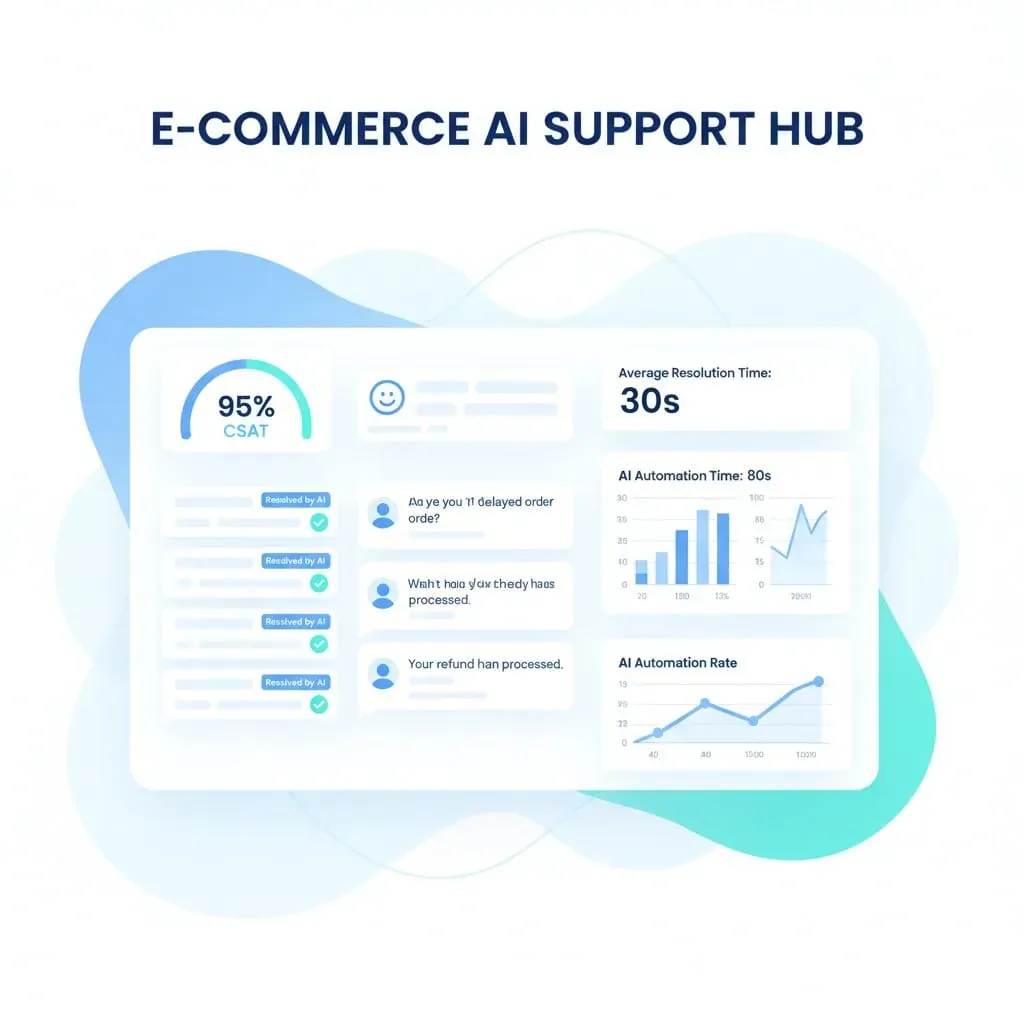
The result? Brands using AI powered solutions like Alhena see real, measurable outcomes from automated customer interactions. Tatcha achieved a 3x conversion rate, 38% AOV uplift, and 82% chat deflection. Puffy hit 63% automated inquiry resolution with 90% CSAT. Crocus reached 86% deflection while maintaining 84% CSAT.
Setup, onboarding, and deployment takes under 48 hours, with no developer resources needed. The AI ingests your existing helpdesk tickets, product data, and documentation, and knowledge base content, then starts learning from every interaction.
What Sets AI-Powered Automation Apart from Basic Chatbots
Most helpdesk platforms now offer some form of "AI." Zendesk has its AI agents. Intercom built Fin. Gorgias has automation flows. Tidio offers basic chatbot builders for small stores. But these tools weren’t designed for revenue. But there's a fundamental difference between AI that deflects tickets and AI that's purpose-built for e-commerce selling.
Support-first tools like Zendesk treat every interaction as a cost to minimize. They route, deflect, and close. That works for IT help desk environments. It doesn't work when a customer asking "will this moisturizer work for oily skin?" is one answer away from a $120 purchase.
AI shopping assistants built for e-commerce recognize that support and sales are the same conversation. A customer checking their order status might also want a recommendation for their next purchase. An AI that only deflects misses that revenue opportunity entirely.
That's why Victoria Beckham saw a 20% AOV increase with Alhena, and Manawa cut their workload by 43% while dropping response times from 40 minutes to 1 minute. The AI didn't just handle support. It created new value from every conversation.
A 90-Day Roadmap for Automating Customer Support
You don't need to automate everything on day one. Here's a practical timeline:
Days 1 to 30: Foundation
- Audit your ticket categories. Identify the top five by volume.
- Pick an intelligent AI platform that integrates with your existing commerce and helpdesk stack.
- Deploy AI on your highest-volume, lowest-complexity ticket type (usually order tracking).
- Set up escalation rules, ticket routing, and human handoff triggers to protect agent productivity.
Days 31 to 60: Expand
- Add returns, refund processing, and product FAQ automation.
- Connect AI to your product catalog for guided selling.
- Monitor CSAT scores and sentiment analysis closely. Compare AI-resolved vs. agent-resolved tickets.
- Tune the AI's tone and response style based on customer feedback.
Days 61 to 90: Optimize
- Expand to social channels like Instagram DMs and WhatsApp.
- Enable proactive triggers: exit-intent offers, cart abandonment follow-ups, post-purchase check-ins.
- Review revenue attribution data. Identify which AI conversations drive the most sales.
- Use the ROI calculator to quantify your results and plan the next phase.
Key Takeaways
- Customer service automation in e-commerce is about resolving tickets with AI, not just deflecting them to a FAQ page.
- Start with high-volume, low-complexity tickets: order tracking, returns, product questions, and policy FAQs.
- Always maintain clear escalation paths to human agents. Customers should never feel trapped.
- Use AI grounded in verified data to prevent hallucinations and build trust.
- Track CSAT alongside deflection rate. Deflection without satisfaction is just hiding problems.
- The best AI tools for e-commerce don't just cut costs. They drive revenue through guided selling and personalized recommendations.
- AI customer support can deploy in days, not months, and improve continuously from every interaction.
Ready to automate customer support without sacrificing the experience your customers expect? Book a demo with Alhena AI to see how e-commerce brands are cutting ticket volume by 60% or more while keeping CSAT above 80%. Or start for free with 25 conversations, no credit card required.

Frequently Asked Questions
What is customer service automation?
Customer service automation uses AI agents, chatbots, and workflow tools to resolve customer inquiries without a human agent. Modern automation goes beyond canned responses, handling tasks like order tracking, returns processing, and product recommendations using real-time data from your e-commerce platform.
How many support tickets can AI realistically automate?
Most e-commerce brands automate 40% to 80% of their support tickets with AI, depending on ticket complexity and integration depth. High-volume, repetitive inquiries like order status and return requests see the highest automation rates. Alhena AI customers like Crocus achieve 86% deflection rates while maintaining 84% CSAT.
Will automating customer support hurt my CSAT scores?
Not when done correctly. The key is grounding AI in verified data, maintaining clear escalation paths to human agents, and measuring satisfaction alongside deflection. Puffy maintained 90% CSAT while automating 63% of inquiries. Customers actually prefer instant, accurate AI responses for simple questions over waiting in a queue.
What types of support tickets should I automate first?
Start with high-volume, low-complexity tickets: order tracking, shipping status, return and refund requests, product FAQs, and account issues. These follow predictable patterns and make up the bulk of most e-commerce support queues. Once you see results, expand to more complex ticket types.
How does AI customer support automation reduce costs?
AI-resolved interactions cost $0.50 to $2.00 compared to $6 to $15 for human-handled tickets. Companies investing in AI customer service see average returns of $3.50 for every $1 spent. For a store handling 3,000 tickets monthly, automating even 50% can save tens of thousands of dollars per year.
How is Alhena AI different from Zendesk AI or Intercom Fin?
Zendesk AI and Intercom Fin are support-first tools designed to deflect tickets. Alhena AI is purpose-built for e-commerce, combining support resolution with revenue generation. It includes agentic checkout, product recommendations, and built-in revenue attribution that tracks how much sales AI conversations drive, not just how many tickets they close.
How long does it take to set up AI customer service automation?
Alhena AI deploys in under 48 hours with no developer resources needed. The platform ingests your existing helpdesk tickets, product catalog, and documentation automatically. Most brands see measurable ticket reduction within the first week, with continuous improvement as the AI learns from each interaction.
Can AI handle customer support across multiple channels?
Yes. Modern AI support platforms like Alhena cover web chat, email, Instagram DMs, WhatsApp, and voice from a single system. The AI maintains consistent responses and customer context across all channels, so a customer who starts on chat and follows up via email doesn't need to repeat themselves.