More than 4.8 million stores run on Shopify. The ones growing fastest share a common thread: they don't make customers wait. Setting up a Shopify AI chatbot gives your store 24/7 product guidance, instant order status answers, and the kind of personalized experience that turns browsers into buyers.
For any e-commerce business still relying on slow email responses or a cluttered inbox to handle customer questions, the gap between you and your competitors is growing. They use NLP and conversational AI to understand what a shopper actually needs, recommend the right products, automate routine queries like order tracking and returns, and hand off complex issues to a human agent with full context, all from a single chat widget on your storefront.
Whether you're setting up your first chatbot or replacing a generic ChatGPT wrapper that isn't delivering results, this Shopify chatbot setup guide walks you through every step. You'll learn what features to look for, how to install and configure your AI chatbot, how to avoid the four biggest setup mistakes, and why purpose-built e-commerce AI like Alhena AI is helping brands boost conversion rates, speed up customer service, and turn every chat into a revenue opportunity.
What to Check Before Setting Up a Shopify AI Chatbot
Not every chatbot is built for ecommerce. Many tools on the Shopify App Store started as generic live chat widgets and bolted on AI later. Before you install anything, make sure your AI chatbot for e-commerce checks these boxes:
Product catalog awareness
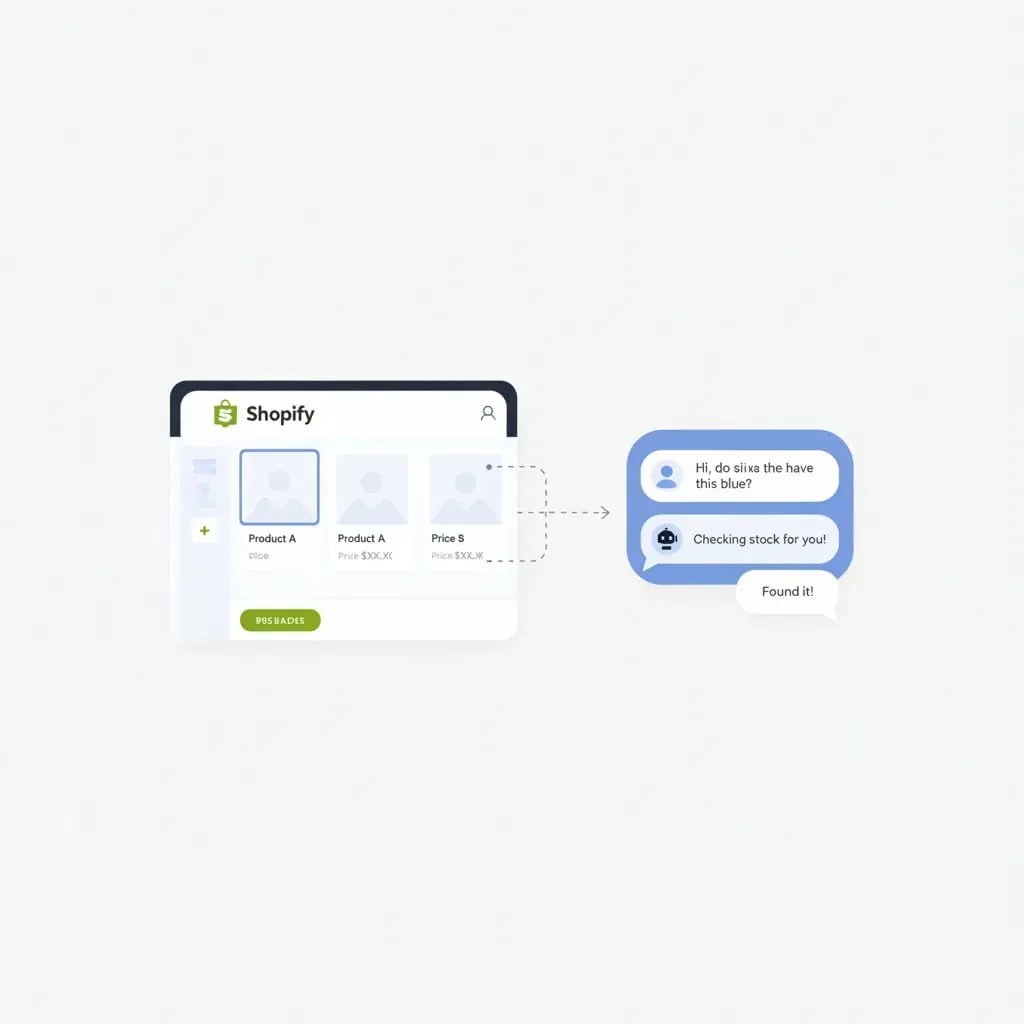
Your chatbot needs to sync with your Shopify product data in real time. That means inventory levels, pricing, variants, and descriptions. If someone asks, "Do you have this jacket in medium?" the bot should pull a live answer from your catalog, not guess from a static FAQ.
Order tracking and management
The number one question ecommerce support teams answer is "Where is my order?" Your Shopify AI chatbot should connect to your order data and shipping providers to give real-time tracking updates without human involvement.
Product recommendations
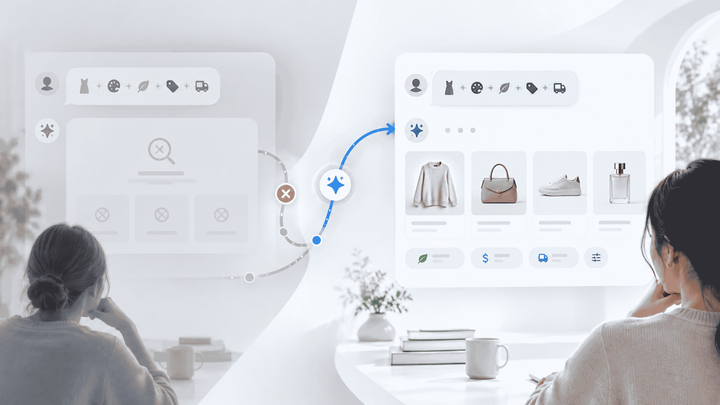
The best Shopify AI chatbots don't just answer questions. They sell. Look for a tool that can suggest products based on what the customer describes, compare options side by side, and guide shoppers toward a purchase decision.
Hallucination-free responses
Generic AI chatbots sometimes make things up. In e-commerce, that's a recipe for returns, refunds, and angry reviews. Choose a chatbot that grounds every response in your verified product data and never hallucinates.
Omnichannel reach
Your customers aren't only on your website. They message you on Instagram, WhatsApp, email, and sometimes by phone. A strong Shopify AI chatbot works across all these channels from one platform, so you don't manage five different tools.
Human handoff
AI handles the routine stuff. But when a customer has a complex complaint or a high-value question, the chatbot should route them to a human rep with full conversation context. No one wants to repeat themselves.
How to Add an AI Chatbot to Your Shopify Store: Step by Step
Setting up a Shopify AI chatbot is simpler than most merchants expect. You don't need a developer or any coding experience. Here's the process from start to finish.
Learn more in Shopify Integration page.
Step 1: Choose your chatbot platform
Start by picking a platform that fits your store's needs. If you're looking for basic FAQ automation, tools like Tidio or Chatty work for small stores. If you want an AI that drives revenue through guided product discovery and sales, you'll want a purpose-built e-commerce AI like Alhena AI. For a detailed breakdown of your options, check our 10 best AI chatbots for Shopify guide.
Step 2: Install the app or widget
Most Shopify AI chatbots let you create a chat experience in one of two ways:
- Shopify App Store: Search for your chosen chatbot, click "Add app," and approve the permissions. The app will guide you through adding the chat widget to your storefront, some apps handle this automatically, while others walk you through a quick setup step in the dashboard.
- JavaScript snippet: Copy a small code snippet from your chatbot provider and paste it into your Shopify theme's
theme.liquidfile, right before the closing</body>tag. In your Shopify admin, go to Online Store > Themes > Edit Code to find this file.
With platforms like Alhena AI, you can install directly from the Shopify App Store or connect through the Alhena dashboard under Settings > Integrations > Shopify. No theme editing required.
Step 3: Connect your product data
This step separates good chatbots from great ones. Your AI needs to learn your catalog. Depending on the platform, you'll either
- Grant the app access to your Shopify product feed (automatic sync)
- Upload your sitemap URL so the AI crawls your product pages
- Connect additional knowledge sources: FAQ documents, return policies, size guides, and help center articles
The more data you feed the chatbot, the better it answers. Alhena's Support Concierge automatically ingests your Shopify catalog, help desk history, and support documents to build a complete knowledge base.
Step 4: Customize the chat experience
Make the chatbot feel like part of your brand. Adjust these settings:
- Brand voice and tone
- Widget appearance
- Welcome message
- Escalation rules
Step 5: Test before you go live
Don't skip this. Open your store in preview mode and run through common customer scenarios:
- Ask about a specific product by name
- Ask about shipping times and costs
- Request a product recommendation ("I need a gift for my mom under $50")
- Ask about your return policy
- Try to break it with an off-topic question
If the chatbot gives a wrong answer, check your knowledge base. Most errors come from missing or outdated product data.
Step 6: Go live and monitor
Flip the switch and make the chatbot visible to all users and visitors. During the first week, review conversation logs daily. Look for:
- Questions the AI couldn't answer (add that content to your knowledge base)
- Points where customers drop off based on their feedback (adjust the conversation flow)
- Handoff frequency (if too high, the AI needs more training data; if too low, make sure escalation rules are working)
Common Mistakes When Setting Up a Shopify AI Chatbot
Most chatbot setups fail not because of the technology, but because of how it's configured. Avoid these pitfalls:
Skipping the knowledge base
Installing a chatbot without feeding it your product data is like hiring a sales associate who's never seen your inventory. The AI can only be as good as the information you give it. Upload your full catalog, shipping policies, sizing guides, and FAQ content before launch.
No human handoff path
Customers get frustrated fast when they're stuck in a loop with a bot that can't help. Always configure a clear escalation path to a live agent. Alhena's Agent Assist passes the full conversation context to your team so the customer never repeats themselves.
Ignoring the analytics
Your chatbot generates valuable data about what customers want, what confuses them, and where they drop off. If you're not reviewing chatbot analytics weekly, you're missing chances to improve both the bot and your store.
Using a support-only chatbot for a sales job
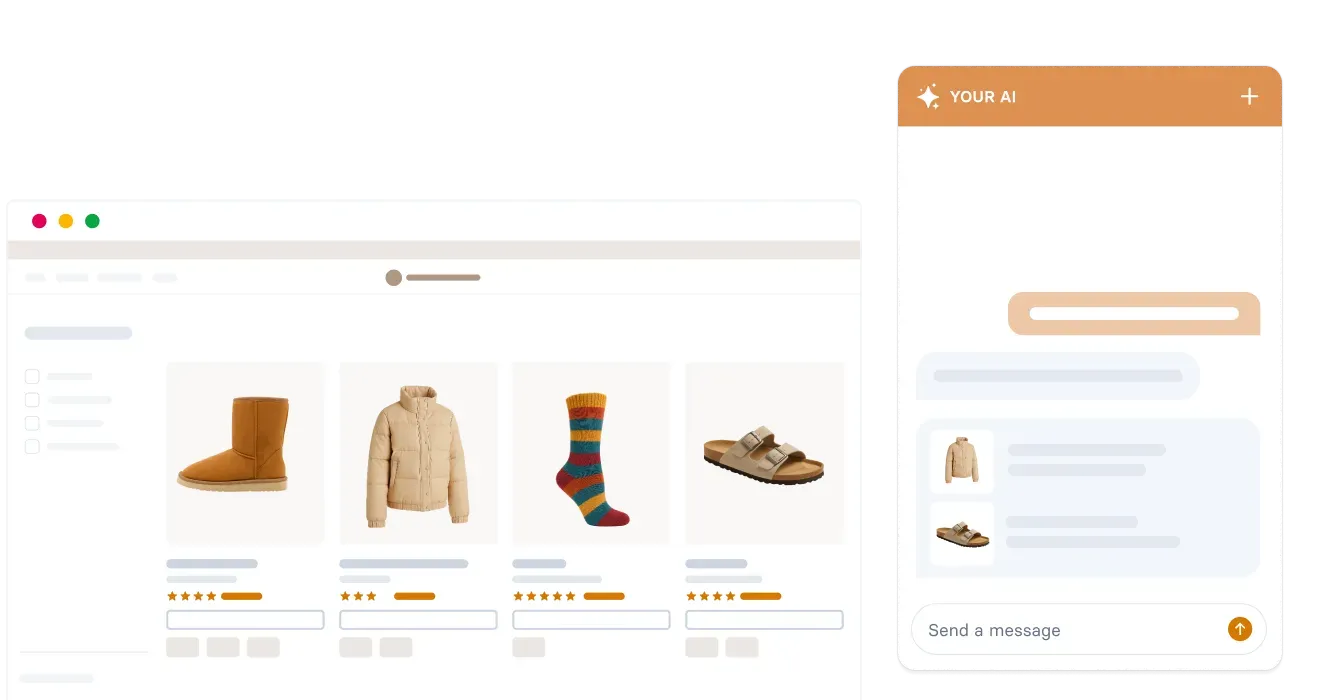
Most chatbots on the Shopify App Store are built to deflect tickets. That's fine for reducing support costs, but it leaves money on the table for your business. A chatbot that can recommend products, compare options, and even guide shoppers through purchase decisions turns a cost center into a revenue channel.
How Alhena AI Works as Your Shopify AI Chatbot
Alhena AI was built specifically for ecommerce, not retrofitted from a generic ChatGPT wrapper or support tool. Here's what makes it different from the typical Shopify chatbot.
Two specialized agents, one platform
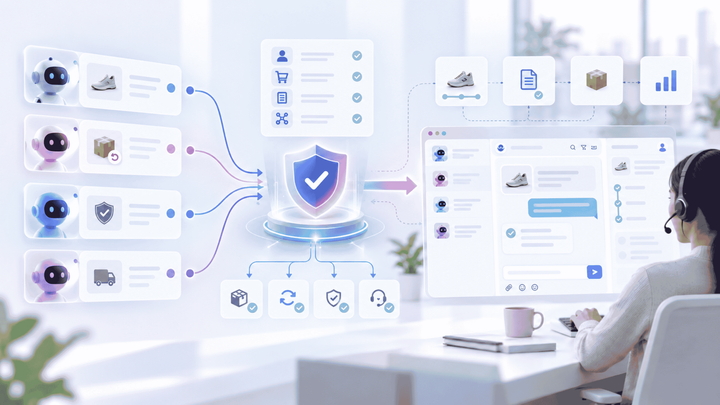
Alhena runs two AI agents in parallel. The Product Expert Agent handles product discovery, recommendations, comparisons, and guided selling. The Order Management Agent takes care of order tracking, returns, exchanges, and account questions. Together, they cover the full customer journey from shopping to post-purchase.
Real-time Shopify sync
Alhena’s deep Shopify integration connects directly to your store and syncs your catalog, inventory, pricing, and order data in real time. When a product goes out of stock, the AI knows immediately and suggests alternatives instead of recommending something you can't ship.
Agentic checkout
This is where Alhena pulls ahead of support-only chatbots. When a customer decides to buy during a chat, Alhena can populate their cart and pre-fill checkout, removing friction between "I want this" and "I bought this." That's the difference between a chatbot that answers questions and one that closes sales.
No hallucinations
Every response is grounded in your verified product data. Alhena uses retrieval-augmented generation with watchdog systems to make sure the AI never invents product details, pricing, or policies. For brands like Tatcha, which saw a 3x conversion rate and 38% average order value uplift, accuracy isn't optional.
Omnichannel from day one
Beyond your Shopify storefront chat widget, Alhena works on email, Instagram DMs, WhatsApp, and voice. One AI, trained on one knowledge base, available everywhere your customers are. That's a significant upgrade over running separate tools for each channel.
Deploys in under 48 hours
You don't need a developer. Alhena's team handles onboarding, data ingestion, and configuration. Most Shopify stores go live within 48 hours of signing up. Start for free with 25 conversations to test it on your own store.
After Setup: Your First-Week Shopify Chatbot Checklist
Going live is only half the job. The first seven days after you set up your Shopify chatbot determine whether it becomes a revenue driver or a widget shoppers ignore. Here's what to do each day.
Days 1 and 2: Review every conversation
Read through the first 50 to 100 chat transcripts. Look for questions the AI couldn't answer, product pages it linked incorrectly, and moments where shoppers dropped off. Feed missing answers back into your knowledge base. According to Grand View Research, the global chatbot market hit $11.8 billion in 2026, but the brands winning aren't the ones with the fanciest AI. They're the ones that train their chatbot on real customer conversations from day one.
Days 3 and 4: Tune escalation rules
Check your handoff logs. If more than 30% of chats route to a human agent, the chatbot needs more training data. If fewer than 5% escalate, make sure the bot isn't giving confident-sounding wrong answers. Alhena's Agent Assist passes full conversation context to your support team, so handoffs feel smooth to the customer.
Days 5 through 7: Measure revenue impact
By the end of the first week, you should have enough data to answer one question: is this chatbot a cost center or a revenue channel? Track AI-assisted conversions, average order value for chat users vs. non-chat users, and total deflection savings. Alhena's revenue attribution dashboard tracks all three automatically. If you haven't picked a platform yet, our comparison of the 10 best AI chatbots for Shopify breaks down which tools offer revenue analytics and which don't.
Ready to set up a Shopify chatbot that drives sales, not just deflects tickets? Book a demo with Alhena AI to see it on your own store, or start free with 25 conversations and test it yourself. Use the ROI calculator to estimate the impact before you commit.

Alhena AI
Frequently Asked Questions
Is conversational AI secure enough to handle customer data on my store?
Alhena AI platform follow strict data handling and privacy practices. When evaluating any chatbot, ask about data encryption, compliance certifications, and where customer data is stored. A strong AI platform will be transparent about how it processes user data and will never use your customer conversations to train models shared with other brands. Security should be a baseline requirement, not an afterthought, especially for brands handling payment or account information during the customer journey.
What does "hallucination-free" mean in the context of an AI chatbot?
In AI, a hallucination is when the bot confidently generates information that isn't true, like inventing a product feature, quoting the wrong price, or fabricating a return policy. For an ecommerce business, this leads directly to returns and lost trust. A hallucination-free chatbot uses retrieval-augmented generation to ground every response in your verified product data, FAQ content, and policies. Alhena AI adds watchdog systems on top of this to catch and block any response that doesn't match your knowledge base before it reaches the customer.
Can an AI chatbot help streamline operations beyond customer support?
Absolutely. Beyond answering customer support tickets, a well-deployed AI chatbot streamlines several operational workflows. It handles routine order management tasks, reduces email volume in your inbox, surfaces trends from customer interactions that inform product and merchandising decisions, and provides shopper behavior data that your marketing team can act on. For ecommerce leaders, the chatbot becomes an operational asset, not just a support tool.
Should I choose a standalone chatbot or one that integrates with my existing helpdesk like Zendesk or Gorgias?
If your support team already lives in Zendesk, Gorgias, or Freshdesk, choose a chatbot that plugs into that stack. This way, every AI-managed conversation syncs with your ticketing system, your human agents see the full context when they take over, and your reporting stays centralized. Alhena AI integrates with all three major helpdesks, so you don't have to choose between a powerful AI platform and your existing support infrastructure.
How does an AI chatbot reduce the workload on human agents?
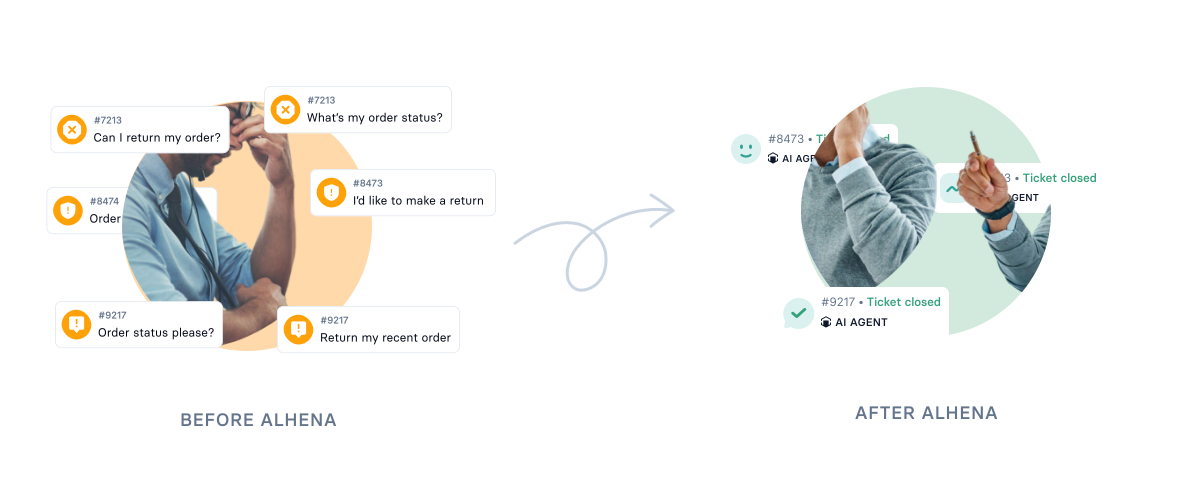
A well-configured AI chatbot handles the repetitive, high-volume inquiries that consume most of your support team's time: order status checks, shipping questions, return policy lookups, and basic product questions. This automation frees your human agents to focus on complex complaints, VIP interactions, and high-value conversations that genuinely require a personal touch. Brands using Alhena see deflection rates between 60% and 86%, meaning the majority of inbound questions never need a human response.
How do I measure whether my chatbot is a cost center or a revenue channel?
Ask your vendor one question: "Can your chatbot show me revenue attributed to AI conversations?" If the answer is no, you're running a cost center. Look for analytics that track AI-assisted conversions, average order value uplift, and revenue per chat session alongside support metrics like deflection rate and customer satisfaction. Alhena AI's dashboard provides full revenue attribution so ecommerce leaders can report on chatbot ROI with real numbers.
What kind of ROI should an e-commerce business expect from an AI chatbot?
ROI depends on your store's traffic, average order value, and current support costs. Brands using AI-powered chatbots typically see gains in three areas: increased revenue from guided selling and product recommendations, reduced customer service costs through automation, and improved customer satisfaction from faster response times. Alhena AI includes built-in revenue attribution analytics, so you can see exactly how much revenue the chatbot generates rather than guessing.