If there’s one theme for this update, it’s simple: Alhena should feel like a native part of your stack, not another tool you have to manage.
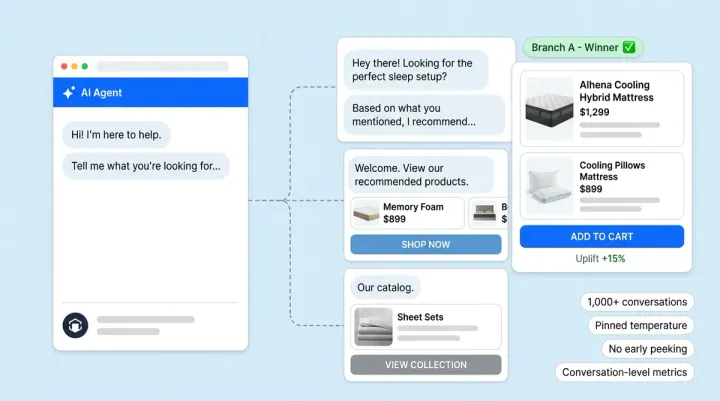
Over the last few weeks, we’ve been focused on deepening our integration capabilities so that your AI shopping assistant can see more, do more and stay perfectly in sync with your service and marketing tools.
Here’s what’s new.
1. Alhena now supports MCP out of the box
We’re excited to share that Alhena now speaks MCP (Model Context Protocol) natively, with rollout to key customers starting in January.
What this means in practice:
- Faster integrations, less custom plumbingMCP gives us a standard way to connect to your internal tools, data sources and services. Instead of bespoke integrations every time, our assistant can plug into a growing set of MCP-compatible backends.
- Richer context for every conversationWhether it’s product data, inventory, pricing, store information or order status, MCP makes it easier to pull in the right context at the right moment.
- Future-proof extensibilityAs more tools and systems become MCP-aware, your Alhena deployment automatically becomes more powerful without a full reimplementation.
2. Salesforce Service Cloud: deeper, smarter support integration
Your service team lives inside Salesforce Service Cloud. Now Alhena does too.
We’ve shipped a set of enhancements that make our integration more flexible and more aligned with how your team actually works:
a) Email support that feels native
Alhena now supports Service Cloud email cases more robustly, so your AI assistant can help:
- Understand and respond to email-based customer issues
- Maintain continuity across channels when a conversation moves into email
- Log the full context back into Salesforce for your team
b) Support for replying to non-email cases
Support doesn’t just live in email. With this update, Alhena can now help reply to non-email cases as well like chat, web, or other channels you’ve routed into Service Cloud.
This means:
- Consistent tone and guidance across channels
- Better use of historical context, regardless of where the conversation started
- Fewer gaps between digital assistance and human follow-up
c) Custom fields support when creating cases
Every brand has its own way of structuring support data. Now, when Alhena creates a case in Salesforce, it can populate your custom fields, not just the standard ones.
Examples might include:
- VIP or tier tags
- Product category or collection
- Damage type, store region, campaign source
That gives you cleaner reporting, smarter routing and better alignment with your existing workflows.
3. A more powerful Klaviyo integration: push directly to lists
Our Klaviyo integration just got a lot more action-oriented.
In addition to capturing events, Alhena can now directly push data into Klaviyo lists. That opens up new use cases like:
- “High-intent, no purchase (last 7 days)”Visitors who asked detailed questions, got sizing help, or explored multiple products with the assistant but didn’t convert.
- “Need-help browsers”Shoppers who expressed confusion or friction signals that deserve a thoughtful follow-up.
- “VIP service moments”High-value or loyalty customers who had a white-glove interaction that you want to follow up on with a personal note.
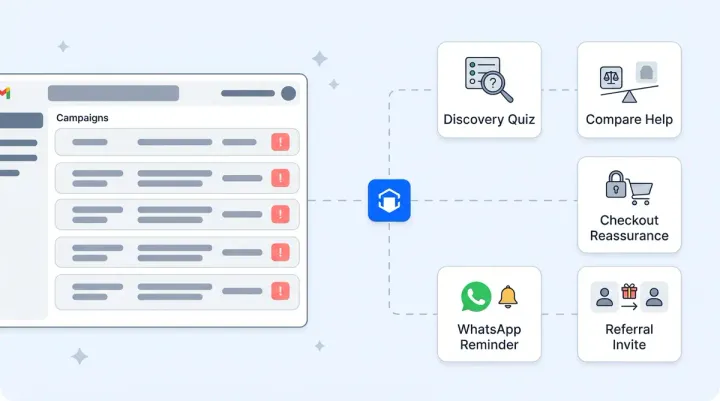
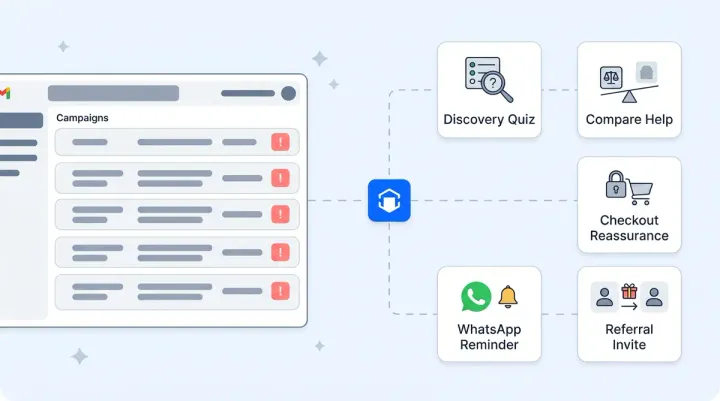
Instead of these cohorts living only inside conversation logs, they become live, reachable audiences inside Klaviyo. Ready for flows, campaigns and tailored lifecycle journeys.
4. A refreshed Integrations screen with more out-of-the-box connectors
We’ve also introduced an updated Integrations hub inside Alhena, designed to make setup and management more intuitive:
- A clearer view of all available integrations
- Quick status visibility (connected, needs attention, coming soon)
- Simple, guided setup flows so teams don’t need engineering for every new connector
Alongside this UI refresh, we’ve added more integrations across support, marketing and commerce tooling, making it easier to bring Alhena into the stack you already have rather than rebuilding around it.
If you’d like a walkthrough of these updates or to join the MCP rollout in January, reach out to your Alhena contact and we’ll set up a working session.