> For the complete documentation index, see [llms.txt](https://alhena.gitbook.io/docs/llms.txt). Markdown versions of documentation pages are available by appending `.md` to page URLs; this page is available as [Markdown](https://alhena.gitbook.io/docs/dashboard/notifications.md).
# Notifications
Setting up notifications in the Alhena AI dashboard
Stay informed about activity in your Alhena workspace. Notifications are configured under **Settings > Notifications**, where each category has its own card.
* Each card toggles both **email** and **in-app** notifications together.
* Preferences are **per user** — you're setting your own notifications here, not the whole team's. You only see the categories your role has permission to access.
## Turning notifications on or off
1. Log in to the Alhena dashboard.
2. Go to **Settings > Notifications**.
3. Toggle the card for any category on or off.
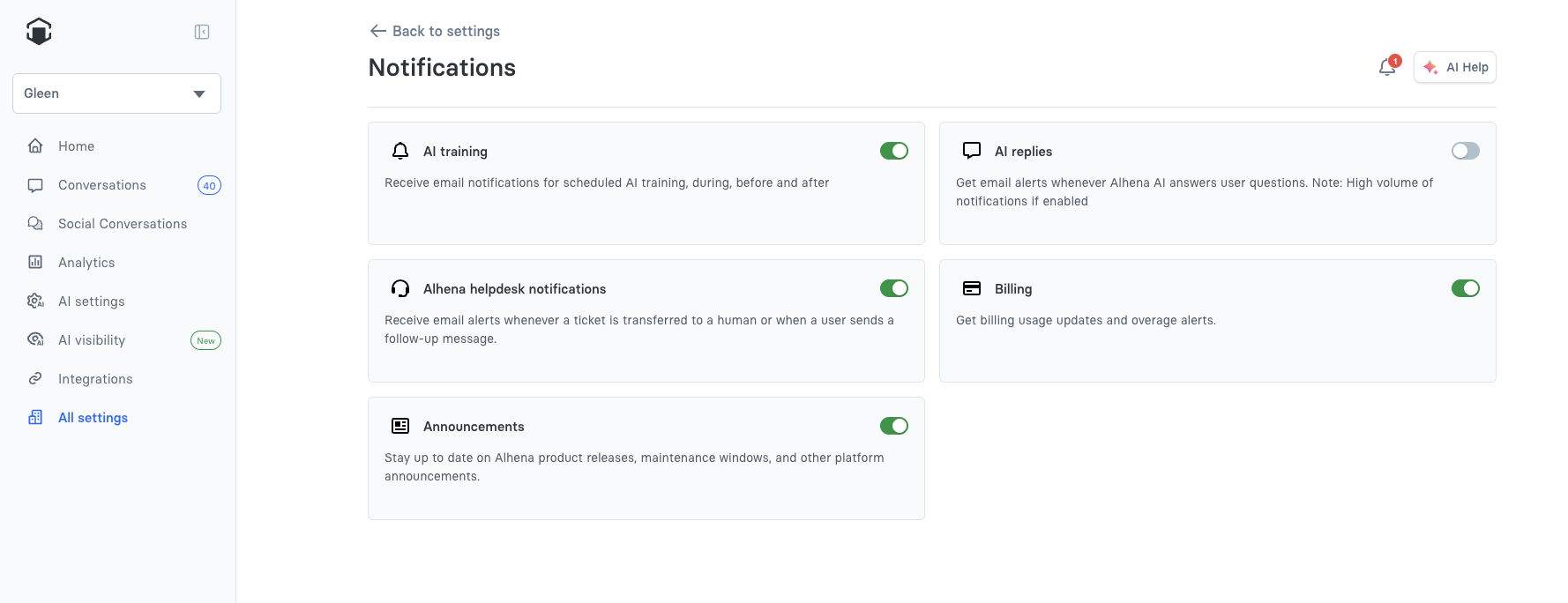
The Notifications page, with a card for each category
## Notification categories
| Category | What it notifies you about |
| --------------------------------- | ------------------------------------------------------------------------------- |
| **AI training** | Scheduled AI training — before, during, and after (see below). |
| **AI replies** | Whenever Alhena AI answers a user question. *(Can be high volume if enabled.)* |
| **Alhena helpdesk notifications** | When a ticket is transferred to a human, or a user sends a follow-up message. |
| **Billing** | Billing usage updates and overage alerts. |
| **Data export** | When scheduled data exports run, succeed, or fail. |
| **Announcements** | Alhena product releases, maintenance windows, and other platform announcements. |
## AI training notifications
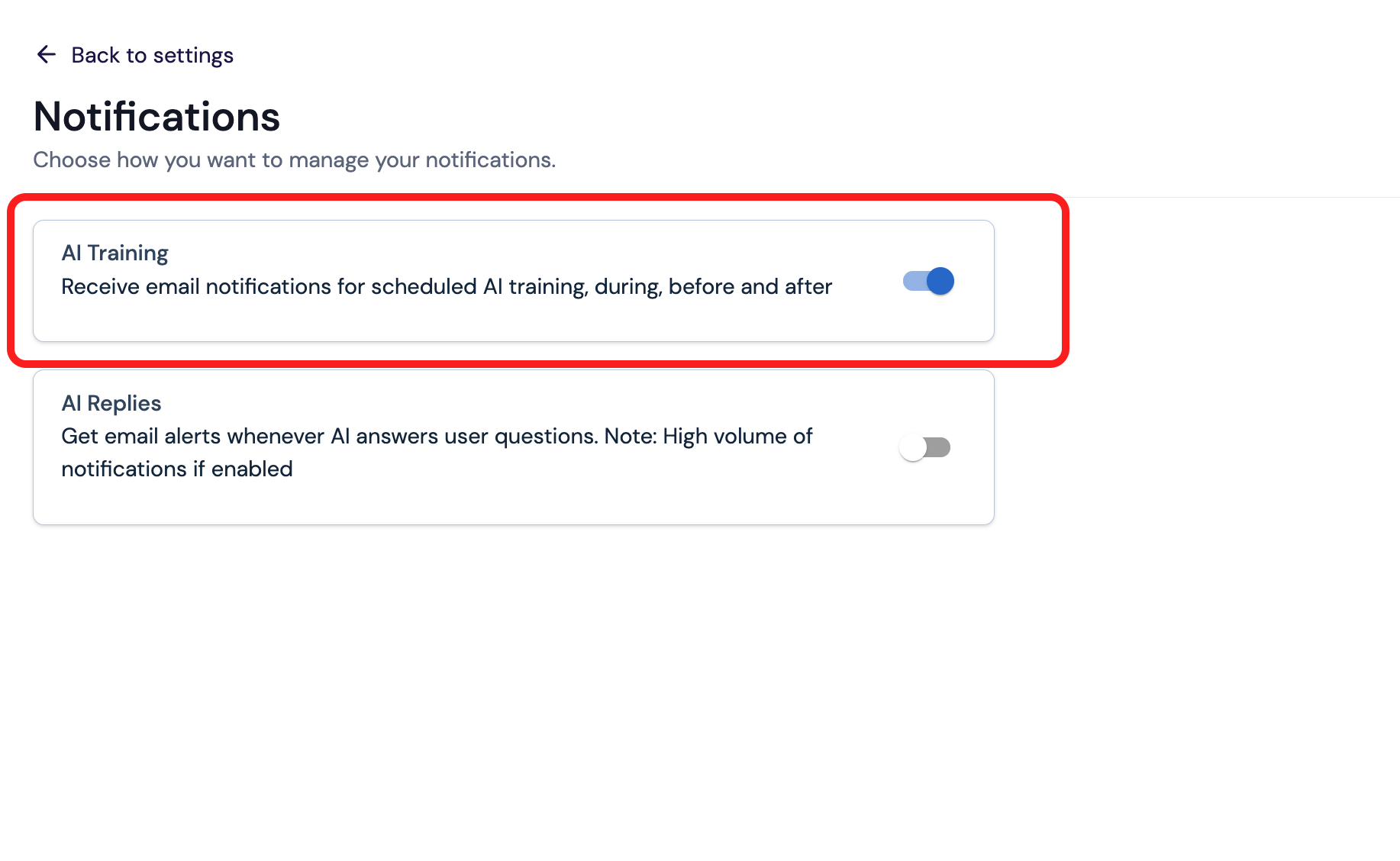
Members and admins who have **AI training** notifications enabled (it's on by default) receive an email at each stage of a training run:
* **About 24 hours before** — a heads-up sent only for recurring scheduled training (weekly or monthly schedules).
* **When training begins**
* **When training completes**