> For the complete documentation index, see [llms.txt](https://alhena.gitbook.io/docs/llms.txt). Markdown versions of documentation pages are available by appending `.md` to page URLs; this page is available as [Markdown](https://alhena.gitbook.io/docs/ai-configuration/tuning/adding-faqs.md).
# Adding FAQs
You can add FAQs to your AI agent's knowledge base to help it provide better answers to your users. This can be done manually, which we'll go over in this section of the documentation.
## Viewing all FAQs / Human Feedback
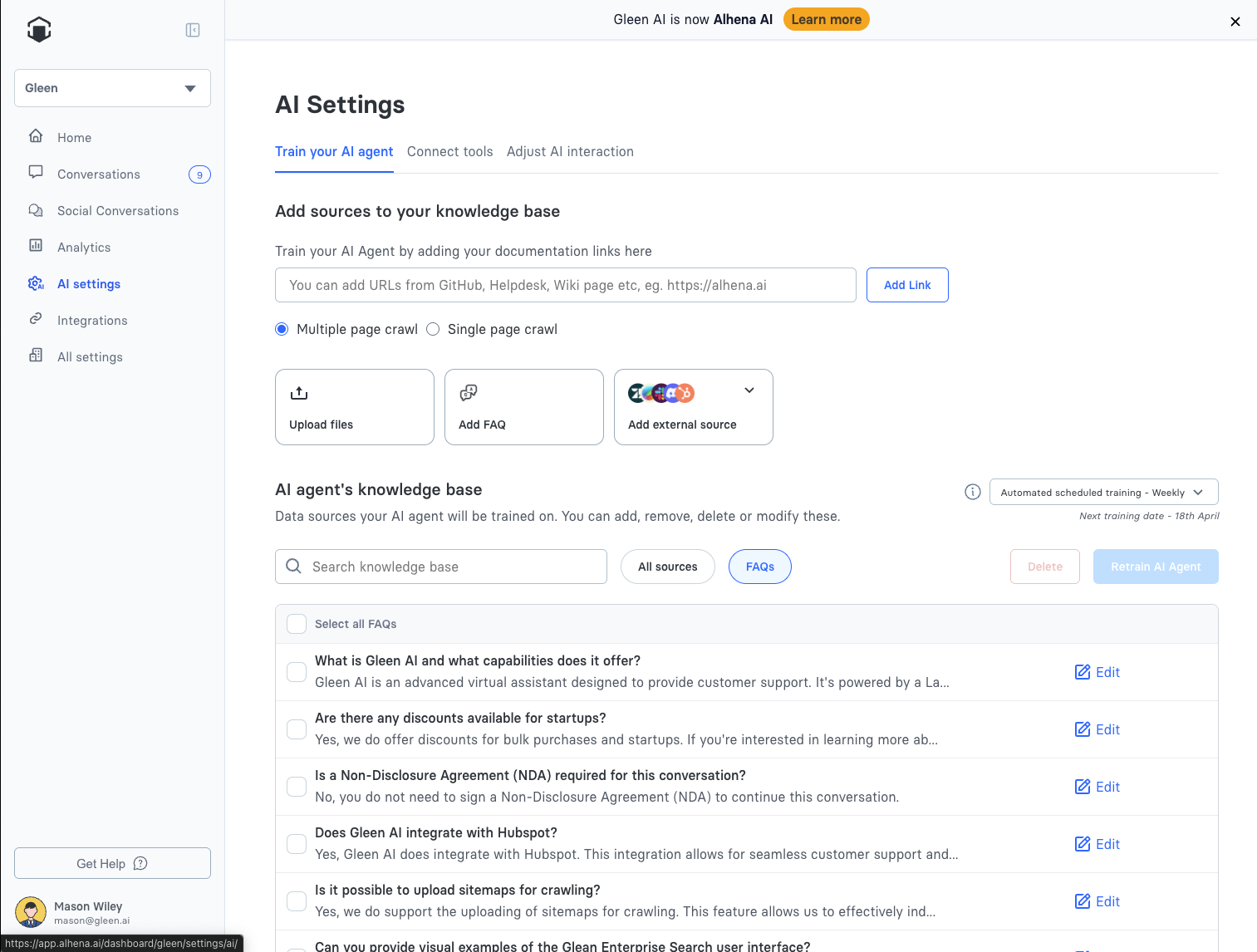
The AI settings page includes an FAQ section, where you'll find any FAQs that you've either manually added, or ones that have been generated from [human feedback](/docs/ai-configuration/tuning/human-feedback.md) provided on the conversations page.
## Adding a new FAQ to the Knowledge Base
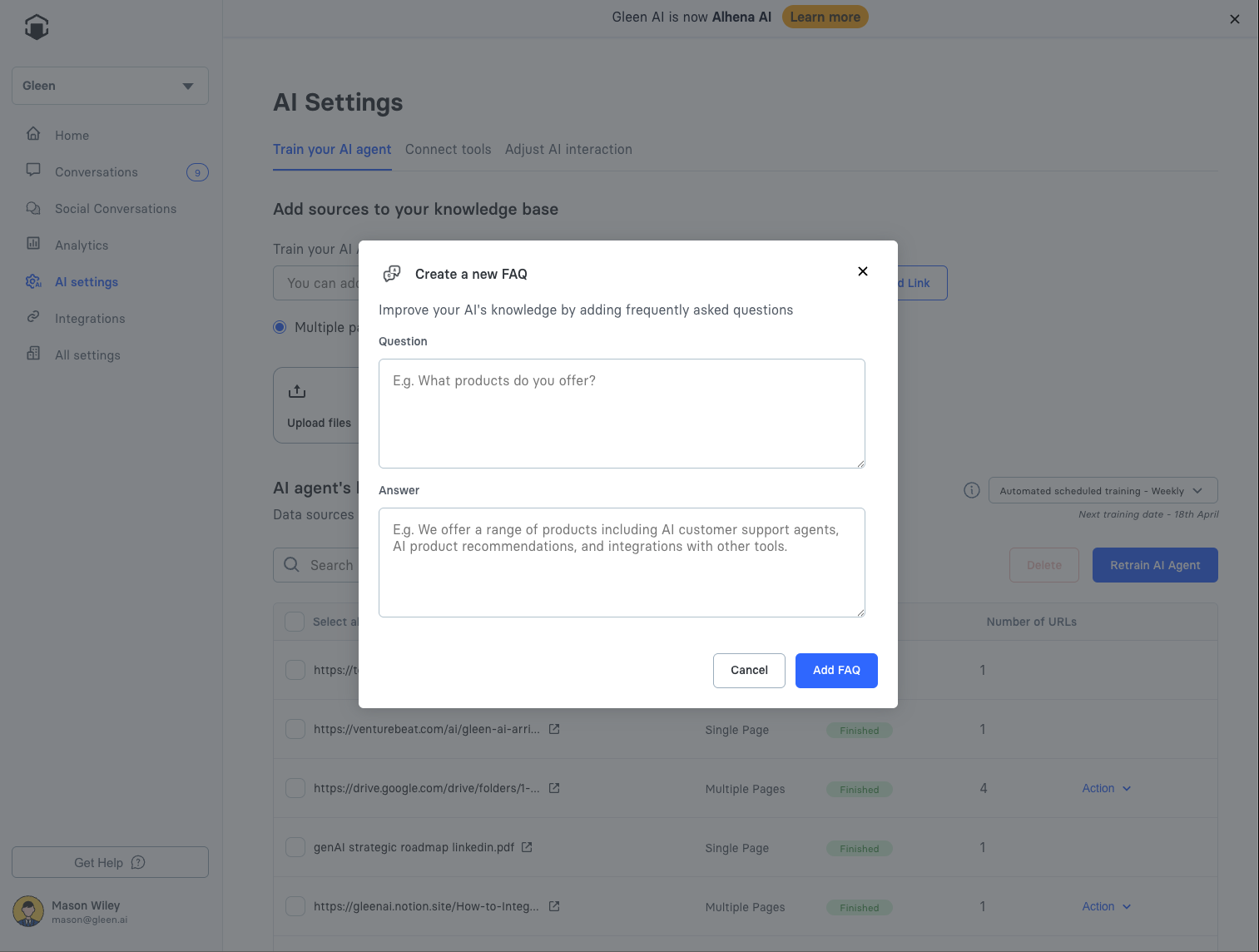
From here, you can edit existing FAQs, or click "Add FAQ" to add some knowledge manually right from the Alhena dashboard.
## Managing Conflicting FAQs
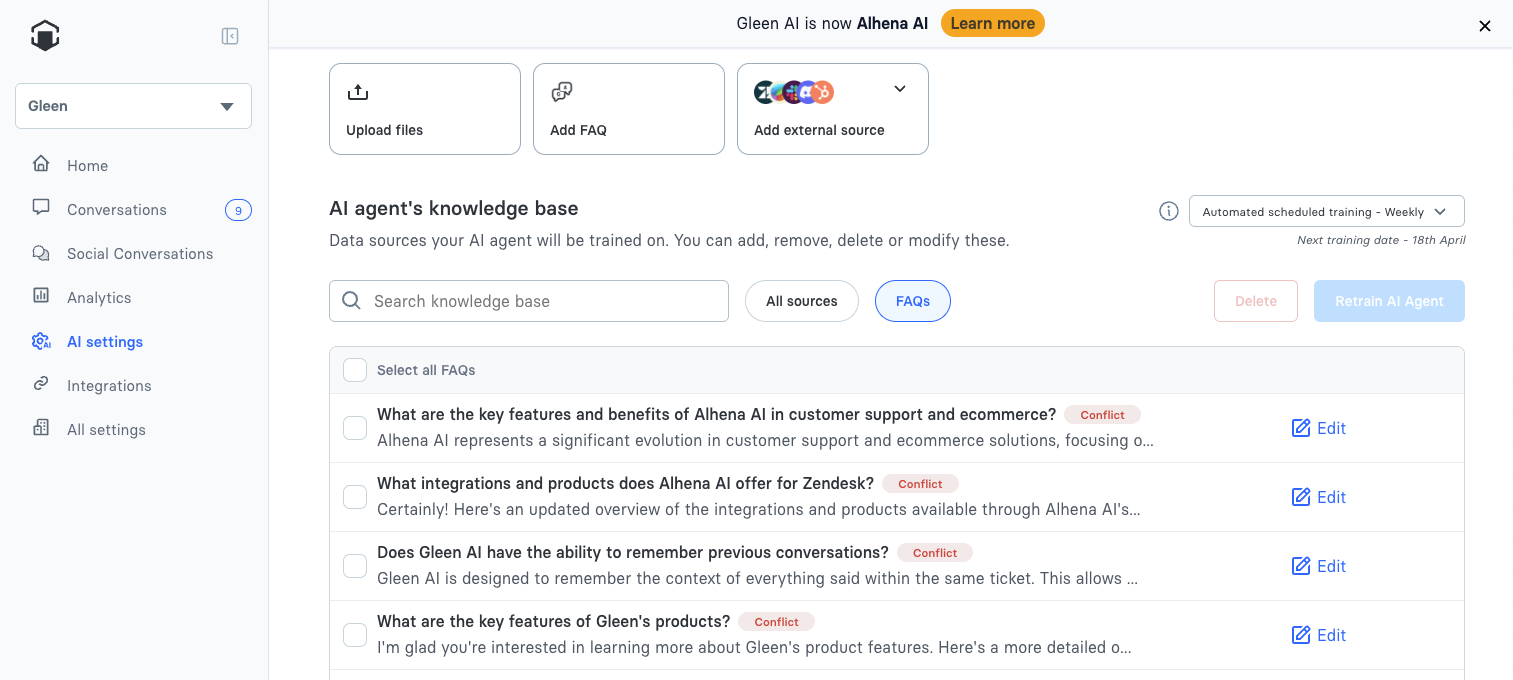
When any new FAQ is added, we'll mark any that appear to have conflicting information. This will help to avoid any incorrect answers by providing clear information to your AI agent.
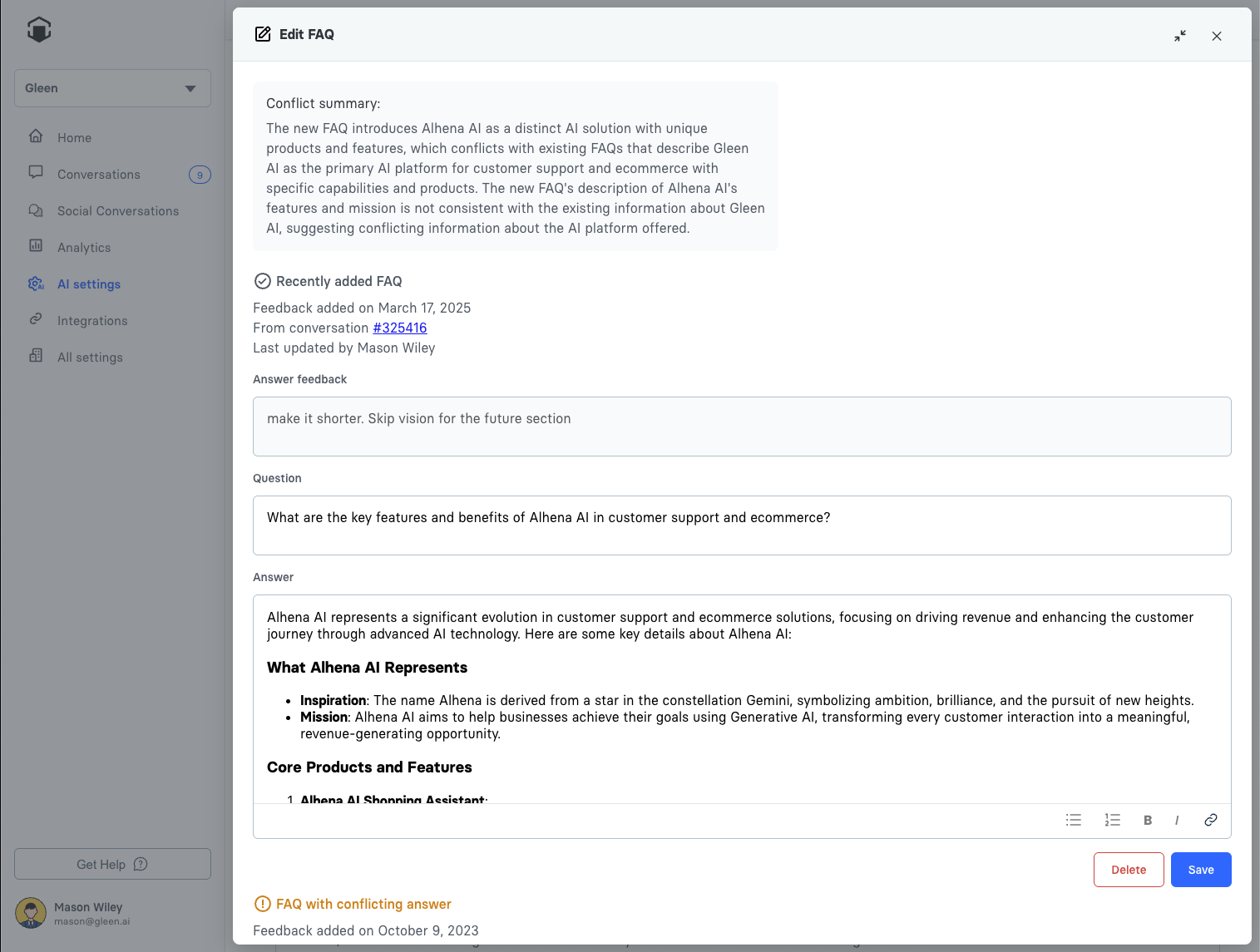
When you edit FAQs from this page, we'll show any other FAQs that conflict with that one, along with the reason Alhena thinks these FAQs might be conflicting.
From here, you can keep any of the flagged FAQs that you'd like. You can choose to update them individually or delete ones that you no longer want to be in the system.
All FAQs will be availble to your AI agent, even if we've marked them as conflicting. The conflict flag only is there to help you more easily improve your AI agent's performance.
Here is a video explaining all of this in detail:
{% embed url="" %}