> For the complete documentation index, see [llms.txt](https://alhena.gitbook.io/docs/llms.txt). Markdown versions of documentation pages are available by appending `.md` to page URLs; this page is available as [Markdown](https://alhena.gitbook.io/docs/ai-configuration/tuning.md).
# Tuning Your AI
This section will help you learn how to use different tools to make sure Alhena AI works well for your specific needs after it's set up and trained.
### Keep Your Knowledge Base Updated and Comprehensive
A good AI Agent depends on a good knowledge base. Make sure the information you feed into your AI is clear and up-to-date. The "**garbage in, garbage out**" principle highlights the importance of carefully curating the content Alhena AI interacts with.
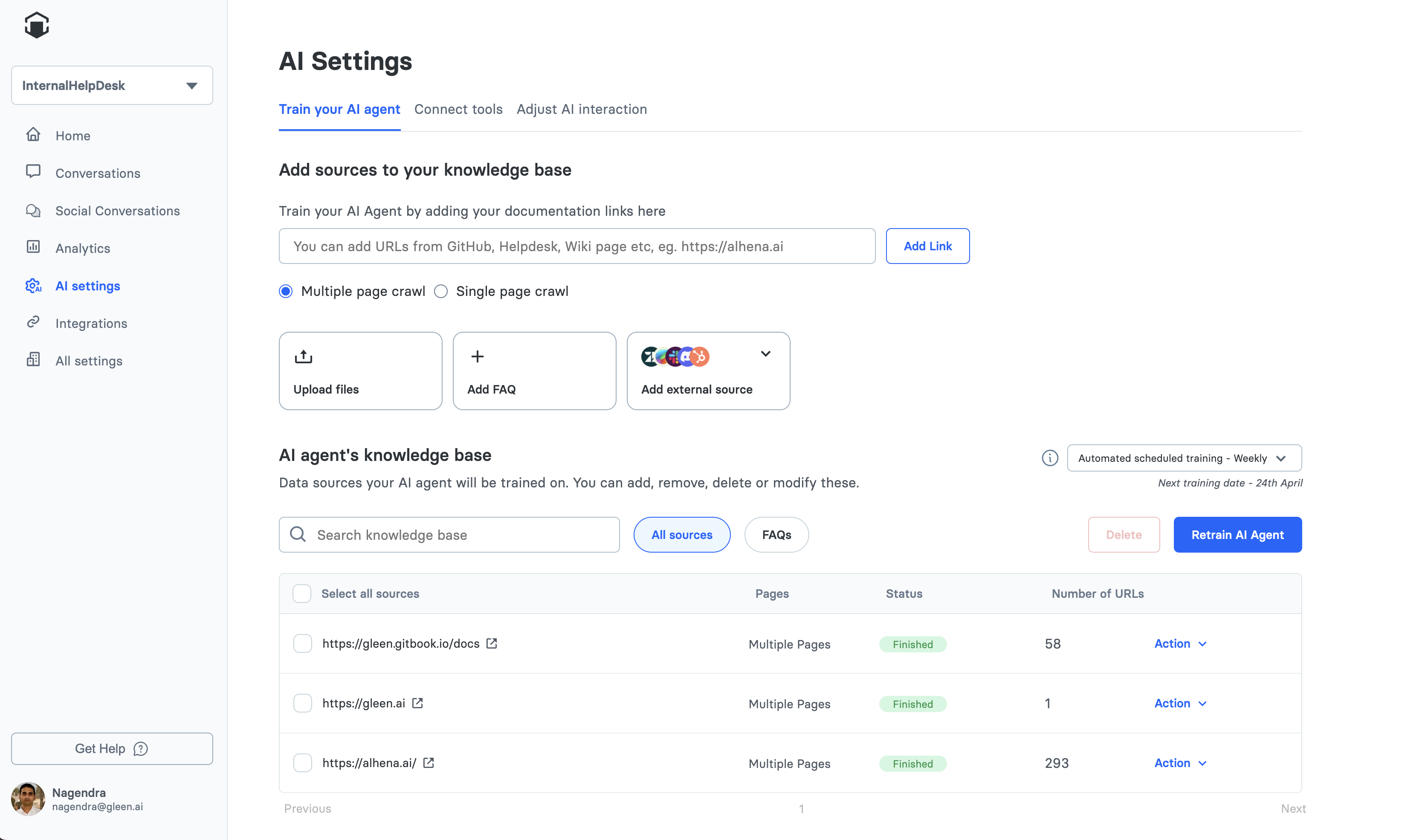
AI Agent training screen overview
### Features in the Alhena Ecosystem to Help Your AI Answer Better
* **Human Feedback**: Use this tool to correct or modify AI responses to specific questions. This is particularly useful when the AI provides an incorrect or unsatisfactory answer. By providing targeted feedback, you can directly influence how the AI responds in future interactions. Follow this guide on [Adding Human Feedback for improving specific Questions](/docs/ai-configuration/tuning/human-feedback.md).
* **FAQs**: Manually add question-answer pairs directly to your knowledge base. This is useful for adding specific information that may not exist in your other data sources. See [Adding FAQs](/docs/ai-configuration/tuning/adding-faqs.md) for details.
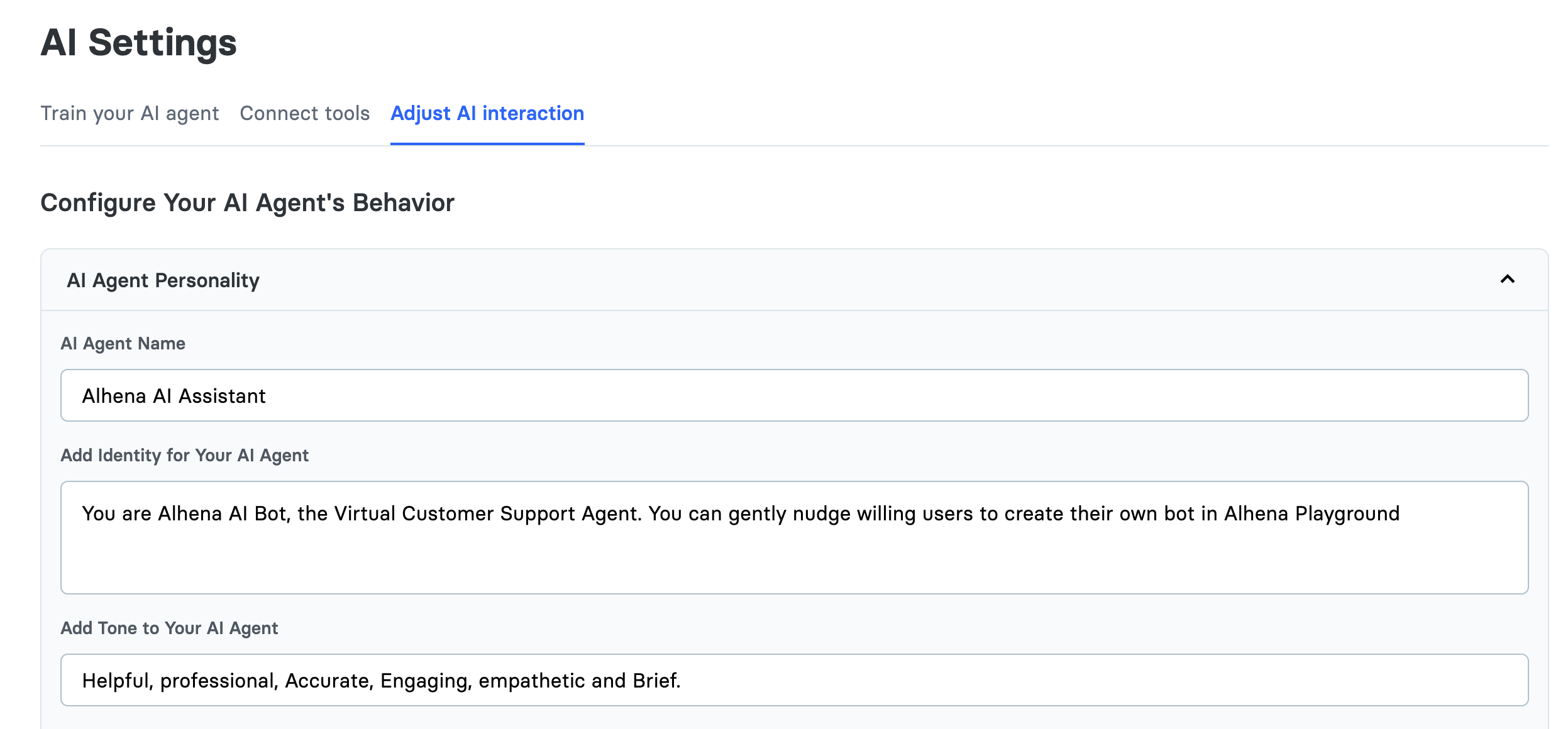
* **AI Personality and Guidelines:** You can find this page by navigating to the "Configure Bot's Personality" tab under "Bot Settings" in the sidebar. This section of the Dashboard allows you to set the `AI Agent Tone, AI Agent Name, AI Agent Identity and Answering Guidelines.` See [Personality](/docs/ai-configuration/tuning/personality.md) and [Guidelines](/docs/ai-configuration/tuning/guidelines.md) for details.
Configuration screen to configure AI Agent Personality, Name and Identity
### When to use Human Feedback vs Guidelines
#### [Human Feedback](/docs/ai-configuration/tuning/human-feedback.md)
Use this when the AI gets something wrong, or you want to improve specific answers based on what has happened before. It's good for making quick, specific changes.
#### [AI Personality and Guidelines](/docs/ai-configuration/tuning/personality.md)
Think of a guideline as a rule which you would want the bot to follow while answering user questions. A guideline directly impacts the bot’s behavior, so whenever there is a need to standardize the bot's responses or actions across specific scenarios, write a guideline. A good Example of a guideline is:
`Do not mention the names of discord users while quoting their chat messages in your answer.`
If you need to set the Tone or Identity of the AI, use the `Bot Tone` and `Bot Identity` sections.